Win8/8.1 將硬體裝置管理相關服務獨立化。若安裝驅動程式時 Device Install Service (裝置安裝服務) 與 Device Setup Manager (裝置設定管理員) 兩項服務未執行,系統無法完成驅動套件驗證與安裝,拋出「資料無效」錯誤。
services.msc,或「電腦管理」→「服務」。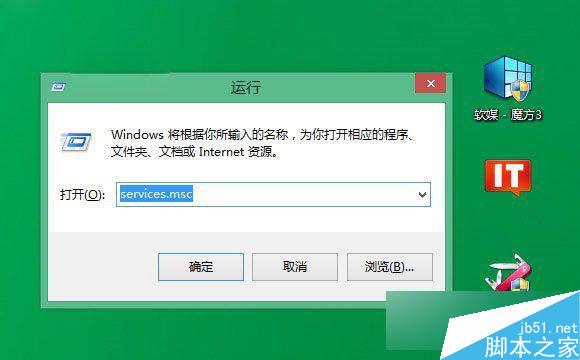
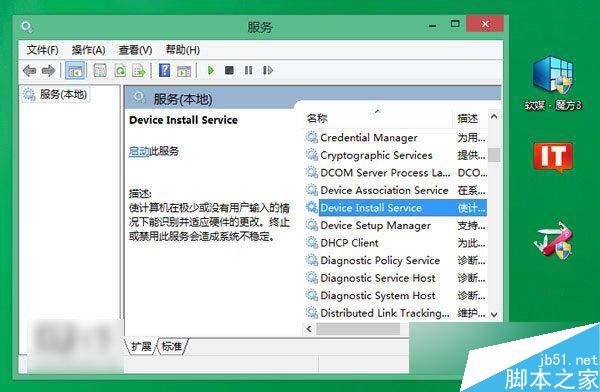
net start DeviceInstall
net start DsmSvc
逐行輸入按 Enter,服務即啟動。
Win10 Mobile 14393.221 累積更新釋出(Release Preview 通道)
Win8 重設 IE10 進階設定:Internet 選項一鍵還原預設值
Win10 Cortana 语音助手早期体验截图曝光:需麦克风/位置权限、UI 简陋、频繁崩溃、功能远不及 WP 版
Win10 開啟「執行」命令三大法:開始功能表 / Win+R / 搜尋列
Win10 無法啟動 Task Scheduler 服務?註冊表修改 Start 值快速修復
Win10 重置後出現 inaccessible boot device 藍屏無限重開機解決方案