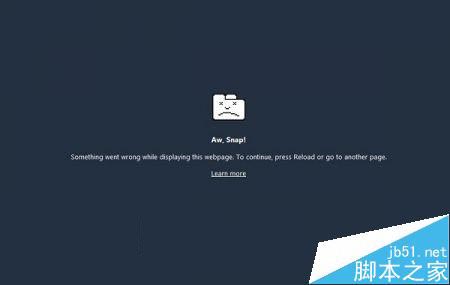
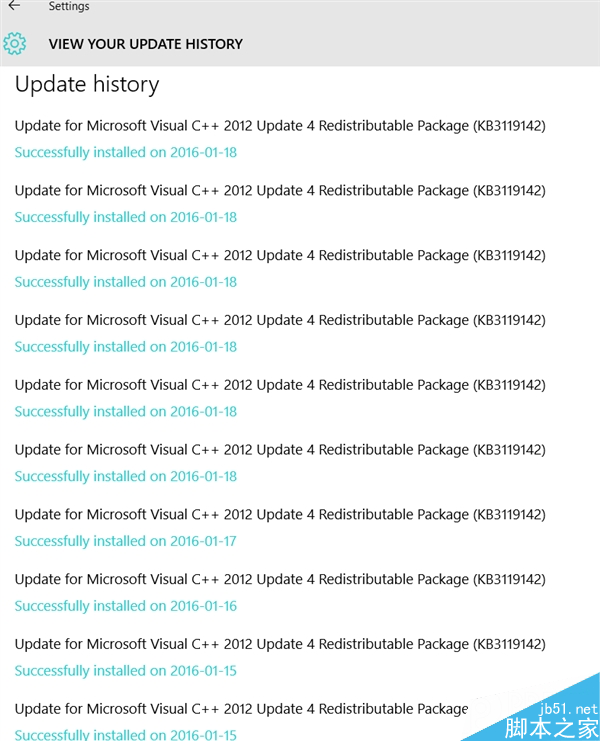
Windows 10 用戶若使用 Chrome Canary(搶鮮版),近期極大機率會遭遇「Aw, Snap!」錯誤導致瀏覽器整體崩潰。該問題似乎僅發生於 Windows 10 平台,大量用戶回報印證了這一點。
chrome://settings
chrome://help
Google Chrome 開發團隊已確認並修復此問題,修正版將於下一個 Canary 版本推出。在此之前,建議採取以下替代方案:
耐心等待官方推送修復版本是最省心的選擇。
Win10 內建中文輸入法怎麼打頓號?鍵位改為反斜線「\」
Win10 無法開啟 CHM 檔案提示「無法顯示該頁面」解決辦法
Win10 IIS 怎麼開啟 ASP 程式錯誤訊息除錯?兩處設定「傳送錯誤到瀏覽器」+「詳細錯誤」
Win10「取得成員版本」選項無法點選?隱私權設定調整解決教學
Win7/Win8.1 獲取 Windows 10 程式:系統升級受阻等待時間漫長
Win10 小娜不說話?將揚聲器設為預設播放裝置即可
Win7 360 瀏覽器提示「無法正確開啟您的個人資料」雙重修復法
Win10 應用商店帳號閃退、小娜離線?PowerShell 重新註冊 UWP 應用解決