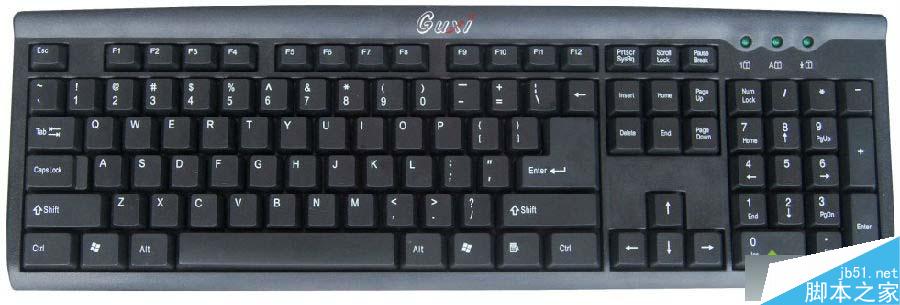
Win7 系統鍵盤無法識別的原因與解決方法:
建議將 USB 鍵盤插至機殼後面板的 USB 埠(主機板直連),避免前面板或延長線供電不足導致識別失敗。
多半為鍵盤硬體故障或主機板 PS/2 埠損壞。請檢查鍵盤線材是否扭斷、是否進水;可嘗試換鍵盤或改用 USB 介面鍵盤測試。
以上針對 Win7 兩種常見鍵盤介面故障提供排查方向,依序檢查通常能定位問題。
Windows 8 Metro 應用提示「解析度太低」無法執行?修改登錄表強制啟用縮放支援
Win8 語言列不見了怎麼辦?開啟系統圖示「輸入指示器」找回
Win10 IE11 開啟 Spartan (Edge) 引擎:網址列輸入 about:flags → 啟用 Experimental Web Platform Features → 重啟 IE11
Win7 卸載軟體提示權限不足?以管理員身分執行卸載程式解決
Win8 執行 3ds Max 註冊機死機?確認系統位數與軟體位數匹配(64 位裝 64 位,32 位裝 32 位)重裝即可
Win7 無線網卡 MAC 地址無法修改?終極解法:替換為 XP 版驅動程式即可突破限制
Win10 Mobile 10536.1004 簡易上手影片:三階段升級 90 分鐘、系統穩定流暢、鎖畫面零延遲、單手模式全機型