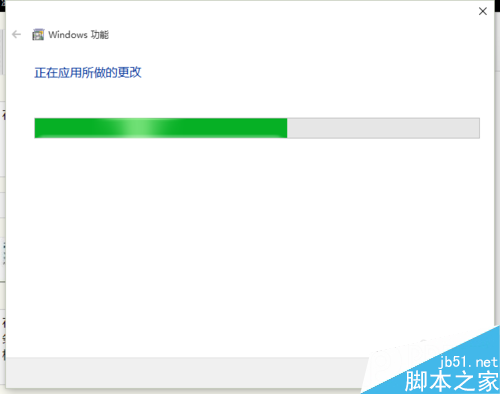
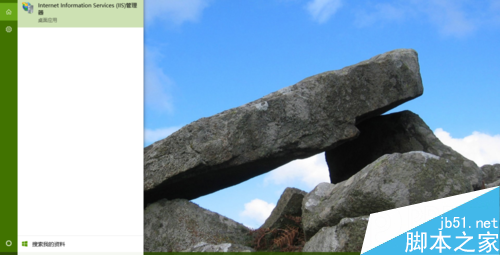
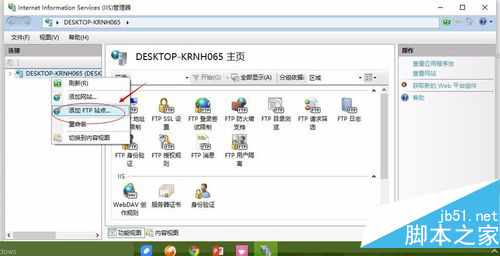
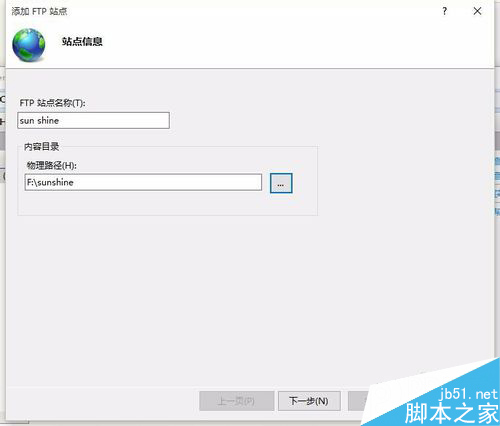
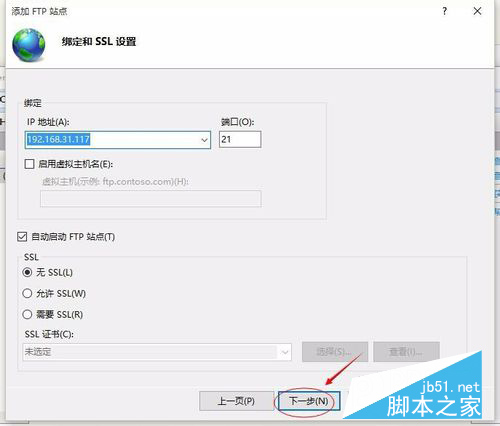
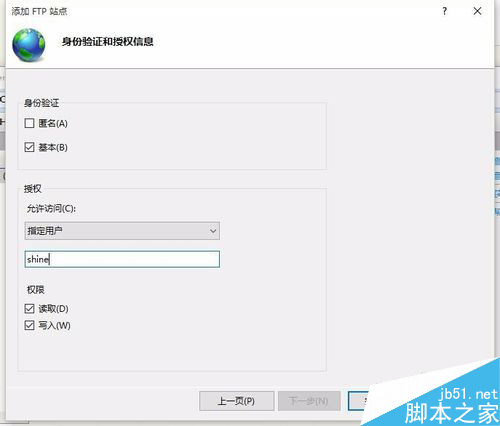
利用 Win10 內建 IIS 架設 FTP 伺服器步驟:
文章附每步驟控制台與 IIS 管理員介面截圖,操作詳細,適合快速建立內部檔案傳輸服務。
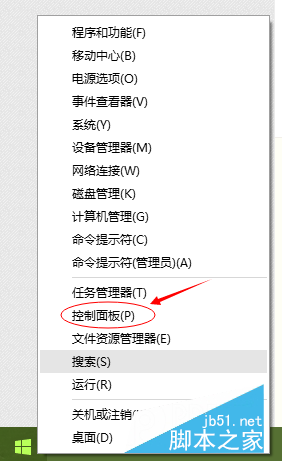
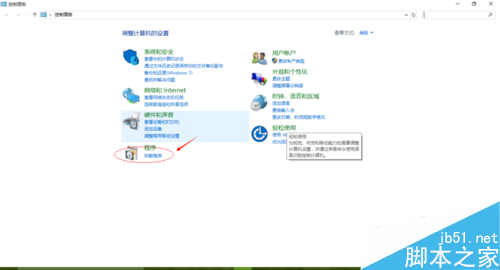
Win8 破解網頁防複製限制 4 招:原始碼、百度快照、另存網頁、停用腳本
Win10 正式版升級安裝後必做五件事:Cortana、檔案關聯、更新重啟、Wi-Fi 分享、通知時間
Win7 如何關閉預設共享資料夾 (C$、D$、ADMIN$ 等)?電腦管理→共用資料夾→停止共用
Win10 RTM 簡體中文正式版 ISO 鏡像下載大全 含各版本校驗碼
Win7 如何登入 192.168.1.1 設定無線路由器密碼?完整圖文教學
Windows 10 壓縮檔無法開啟?安裝解壓縮軟體即可解決
Win10 首個大型功能更新 TH2 (Threshold 2) 確定 11 月釋出 新增 Edge 擴充功能、彩色標題列、統一右鍵選單