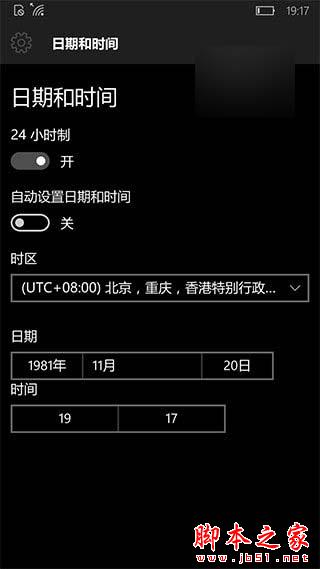
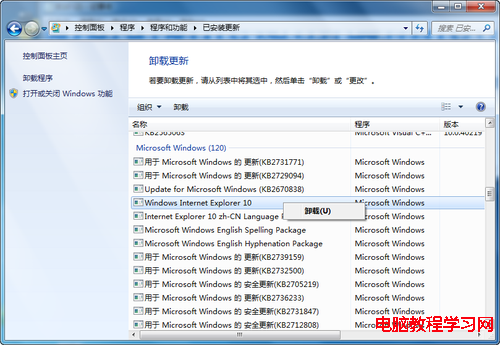
原理為強制重置商店快取與憑證驗證時間戳,簡單有效。
Win10 截圖工具在哪?內建截圖工具與 Print Screen 快捷鍵使用教學
Windows 7 旗艦版修復硬碟分區圖示異常:兩種解決方法(autorun.inf / 磁碟管理)
PowerShell 遠端管理 Windows Server (WinRM) 完整設定三步驟
Win10 如何設定自動刪除臨時檔案?批次檔丟入啟動資料夾或排程器定時清理
Win10創造者更新15002 OOBE體驗缺陷:無法創建本地賬戶陷入死循環
Windows 7 寬頻撥號正常但瀏覽器無法開網頁?三大故障現象與對應解法
Win10 應用商店更新錯誤 0x803F8001 解決方案:卸載重裝跳過更新流程
XP 安裝軟體提示「系統找不到指定路徑」?原因是中文用戶名路徑