Win7 分 32 位 (x86) 與 64 位 (x64) 版本,選擇原則:記憶體 ≥ 4GB 且 CPU 支援 64 位 → 必選 64 位;記憶體 < 4GB 或老舊 32 位 CPU → 建議 32 位。六大核心差異:
| 比較項目 | 32 位 Win7 | 64 位 Win7 |
|---|---|---|
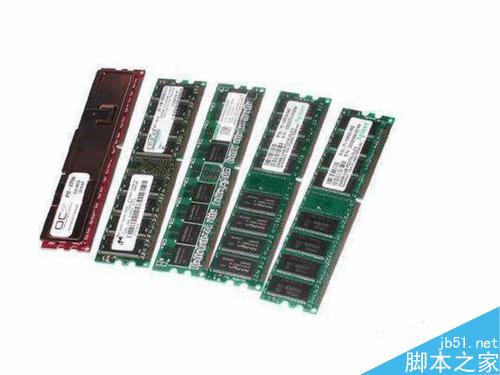
| 最大支援記憶體 | 4 GB | > 4 GB (理論 128 GB+) |
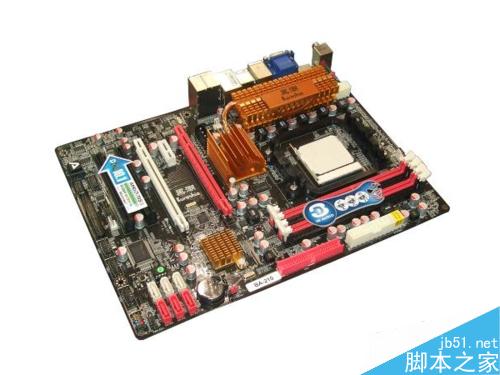
| 適用 CPU 架構 | 32 位 (x86) | 64 位 (x64) 亦可執行 32 位程式 |
| 軟體相容性 | 較好 (舊軟體多為 32 位) | 略遜 (需 WoW64 轉譯,極少數 16 位舊程式無法執行) |
| 系統資源佔用 | 較少 | 較多 (核心結構較大) |
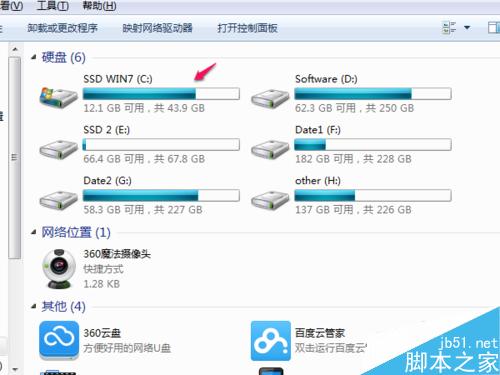
| C 槽佔用空間 | 較小 | 較大 |
| 微軟官方稱呼 | x86 | x64 |




注意:微軟稱 32 位為 x86,64 位為 x64。現代電腦 (4GB+ 記憶體、64 位 CPU) 建議直接安裝 64 位 Win7 發揮完整效能。