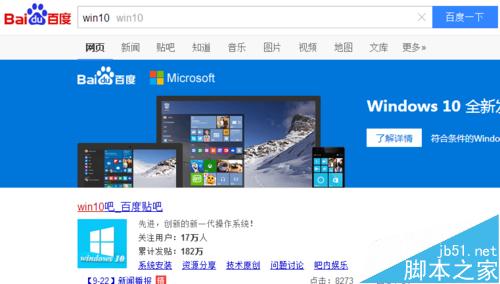
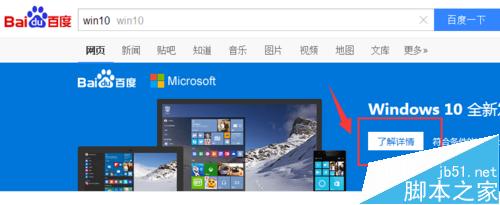
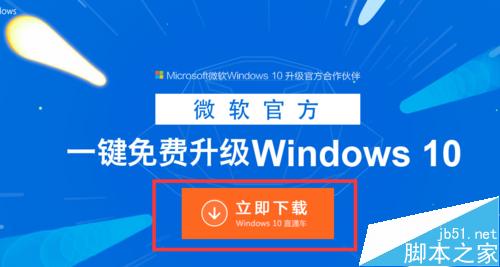
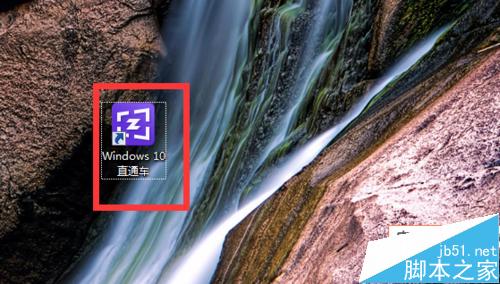
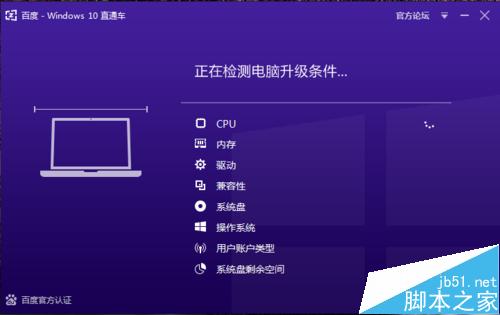
百度 Win10 直通車(綠色版 4.09 MB)升級流程:
Win7 訪問共享資料夾登入失敗、不提示輸入帳號密碼的三種解決方案
Windows 7 EFS 檔案加密憑證備份完整圖文教學
Win10 Mobile 10536.1004 快速版開始推送:雙軌升級路徑 (10514 過渡版 + 10536 最新版)、電量 40% 以上、Wi-Fi 下載
Win10 TH2 引入 XTS-AES 加密演算法:BitLocker 安全性大幅增強
Win10 執行速度慢怎麼辦?視覺效果調整為最佳效能模式提升速度
Win10 TH2 更新詳解:無 SP/無 10.1,Windows 10 永遠只有這個名字
Win10 調整鍵盤靈敏度(重複率/延遲)註冊表修改教程
大神曝光 Win10 Build 10134 簡體中文版:Edge 瀏覽器中文支援仍待改進