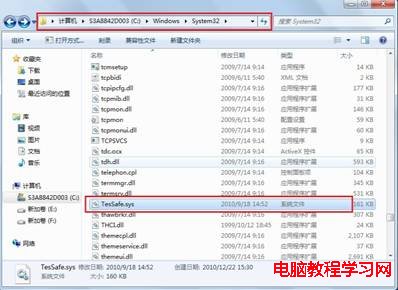
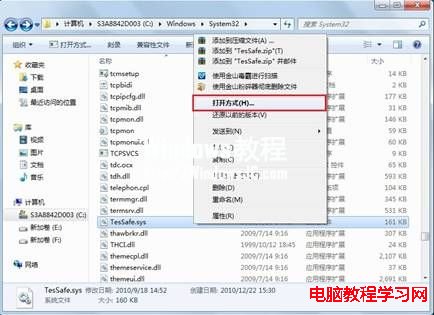
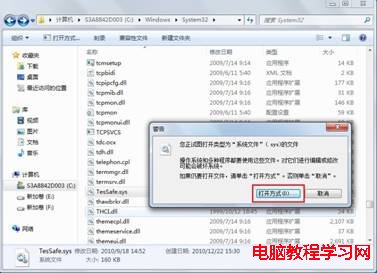
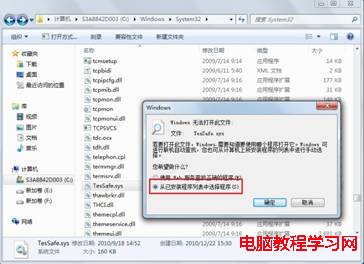
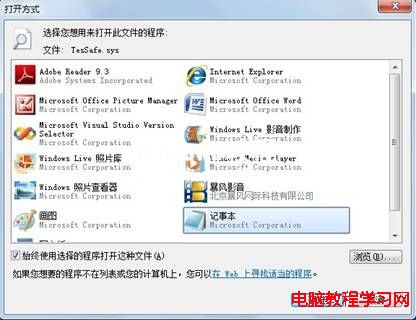
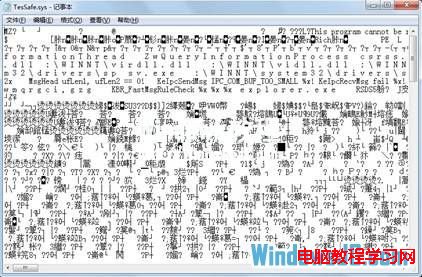
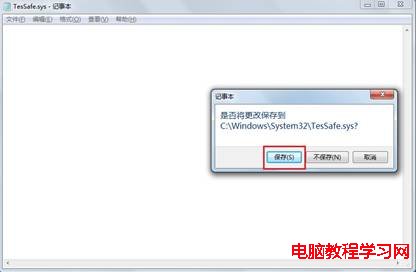
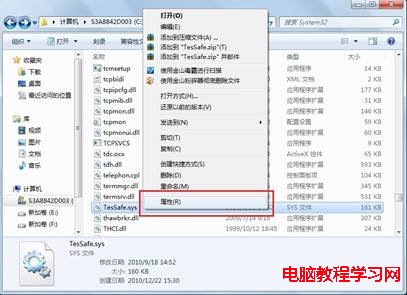
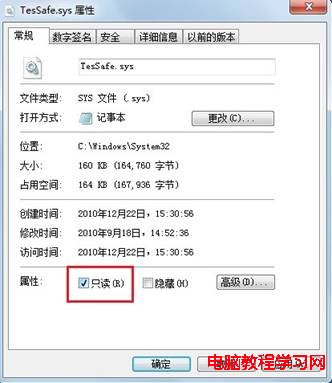
在 Windows 7 執行 QQ 炫舞、QQ 飛車等遊戲時,登入瞬間藍屏,錯誤代碼指向 TesSafe.sys。這是騰訊遊戲防作弊驅動與系統衝突導致,解決方法是清空該檔案內容並設為唯讀。
TesSafe.sys
C:\Windows\System32
完成後重新啟動遊戲,藍屏問題即可解決。此法原理是讓防作弊驅動載入空白檔案且無法自我修復,從而避免衝突。
Win10 無法設定預設瀏覽器?在「設定」→「預設應用程式」中手動指定
Win10 應用程式安裝位置怎麼改?兩種方法讓 App 裝到 D 槽或外接硬碟
Win8 使用 net user 指令建立無密碼帳號:需在系統管理員模式下執行
Win10 正式版首個大型 Bug 修補更新 8 月 10 日發布:代號 SR1
Win10 開機出現兩個帳戶且無法刪除 Administrator?一行指令解決
Win10 右鍵菜單移除「使用 Windows Defender 掃描」項:刪除兩個註冊表鍵值
Win10 Mobile 10149 安裝無反應?電量未滿 40% 為主因,充電即解
XP 資源管理員搜尋欄變灰?rundll32 重新註冊 shell32.dll