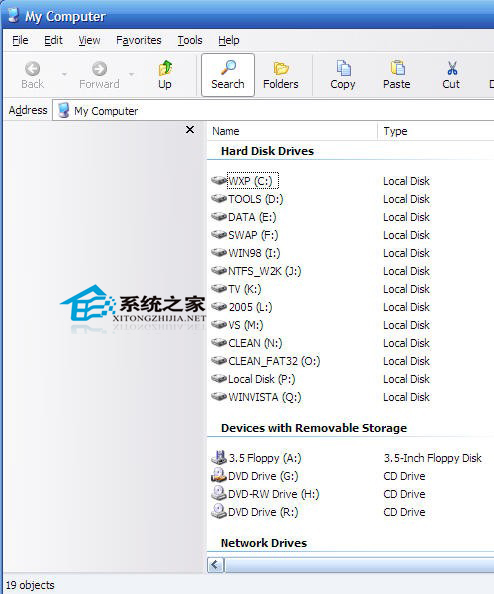
XP 資源管理員搜尋列點擊後變灰無法輸入,主因 Shell32.dll 註冊點遺失。以管理員身分執行 CMD 執行:rundll32 c:\windows\system32\shell32.dll,DllInstall (注意大小寫),即可修復搜尋列功能,測試即時生效。
Shell32.dll
rundll32 c:\windows\system32\shell32.dll,DllInstall
指令假設系統裝在 C 槽,若非請換實際路徑。一行指令解決註冊遺失問題,免重裝、免第三方工具。
Win10 Mobile 10536 更新路徑詳解:為何需先裝 1000 再收 1004?
Win10 啟用內建 Administrator 管理員帳號圖文教學
Win7 區域網路共用檔案提示「登入失敗:使用者帳戶限制」?啟用空白密碼共用原則解決
Win8 應用商店消失了?執行 sfc /scannow 修復系統檔兩步驟找回
Win10 正式版哪裡有掃雷?從應用商店下載 Microsoft Minesweeper 重溫經典
USB 隨身碟安裝 Win10 預覽版完整圖文教程(支援 UEFI/BIOS 雙模式)
Win10 抄襲 Win95?界面對比圖揭示微軟「熟悉感」設計哲學
Win7 解析度無法調整三大原因與解決辦法