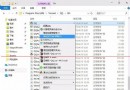
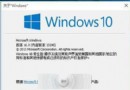
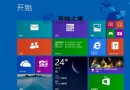
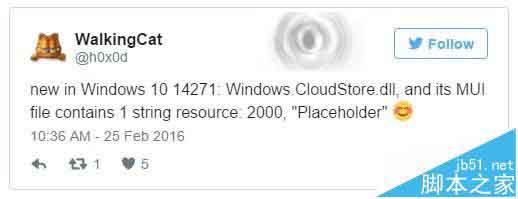
Windows 8.1 受好評的 OneDrive「檔案佔位符」功能 (僅同步線上檔案縮圖,雙擊下載完整檔案) 在 Win10 初期被移除。Win10 RS1 14271 版本中,開發者在 Windows.CloudStore.dll 及其 MUI 資源檔發現 "Placeholder" 字串,暗示功能正在回歸開發中。
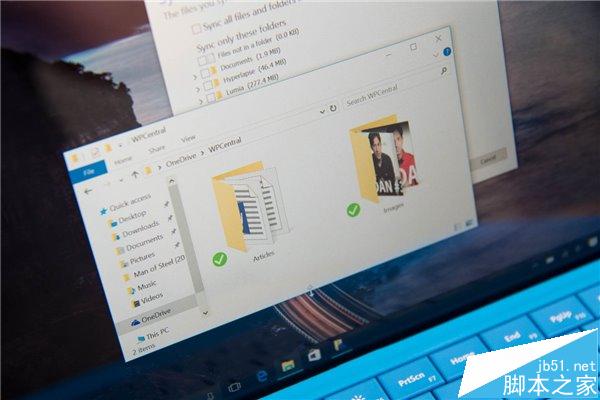
什麼是 OneDrive 檔案佔位符?
- Win8.1 行為:OneDrive 資料夾顯示所有雲端檔案,但僅下載縮圖/中繼資料 (佔位符)。雙擊檔案時即時下載完整內容。
- 優點:不佔用本地儲存空間、可離線瀏覽檔案結構。
- 移除原因:微軟稱離線狀態下使用者易混淆「可用」與「不可用」檔案,造成困擾。
回歸時間線
- 2015/12:傳聞 RedStone 將帶回佔位符。
- 2017/早期 (14271):
Windows.CloudStore.dll 現 "Placeholder" 字串,證明開發進行中。
- 2017/10 (Fall Creators Update 1709):**正式推出「隨選檔案」 (Files On-Demand)**,實現佔位符核心體驗,支援線上/本地/永遠保留三種狀態。
現階段狀態 (14271)
僅發現字串資源,功能尚未在介面啟用。Insider 使用者可持續關注後續版本更新日誌。
相關推薦
- Win10 RS1 14271 如何更新?
- Win10 OneDrive 隨選檔案 (Files On-Demand) 完整教學 (正式版已推出)