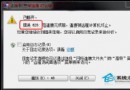
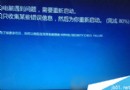
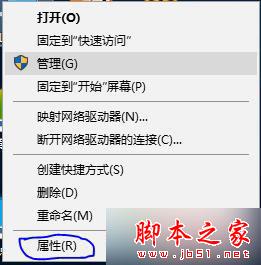
解決方法:
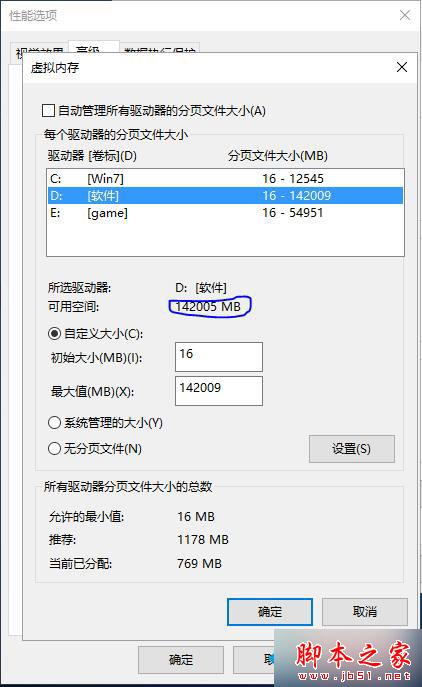
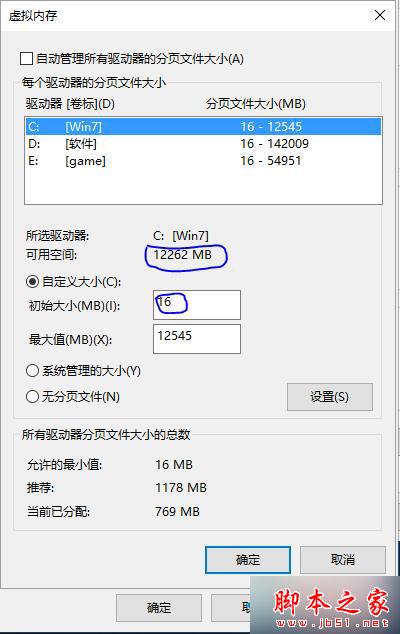
ps:設定值參考硬碟最大可用空間,不可超過!最小值 16!
相關閱讀:
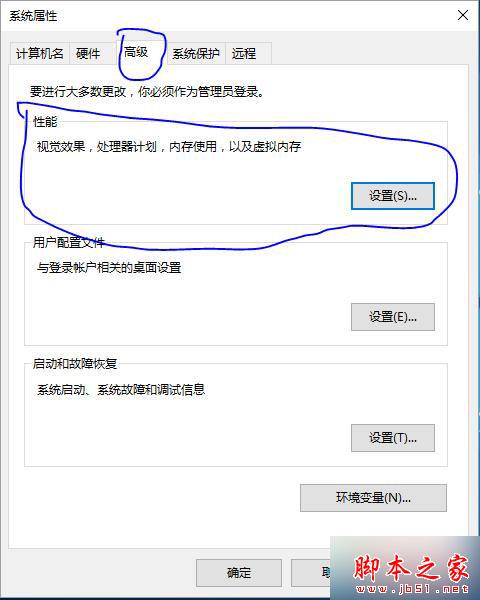
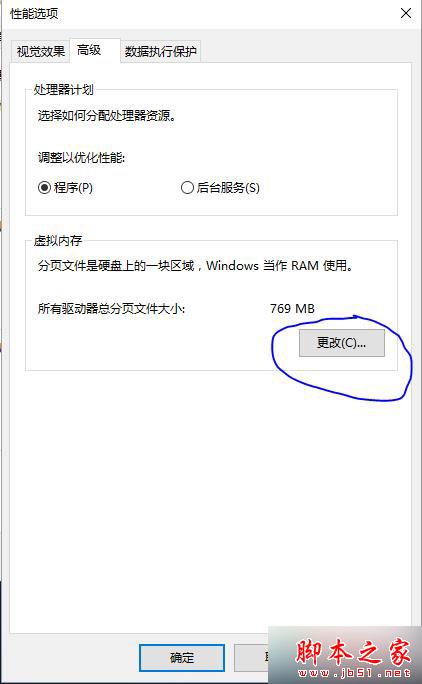
以上為升級 Win10 後玩 LOL 顯示記憶體不足的完整解決方法,相同問題可依此設定解決。
Win7 64 位元捷徑圖示全變一樣?登錄檔 .lnk 關聯修復
Win10 透過開始選單開啟畫圖工具:預設列表與 Windows 附屬應用程式兩條路徑
Win10 TH2 引入 XTS-AES 加密演算法:BitLocker 安全性大幅增強
Win10 右鍵選單彈出緩慢?清理 ContextMenuHandlers 註冊表項立即加速
Win8.1 / Win7 SP1 2014 年 11 月累積更新包下載(離線安裝)
Win10 睡眠喚醒後藍屏錯誤代碼 0x000000EF?更新顯卡驅動徹底解決
Win10 14946 升級失敗?部分防毒軟體 (Bitdefender、Kaspersky 等) 導致無法安裝,建議先解除安裝