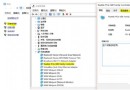
Win8.1 連接手機熱點後藍屏重啟,主因 Intel 網卡驅動 802.11n 模式與部分手機熱點訊號模式衝突,與驅動版本關係不大。
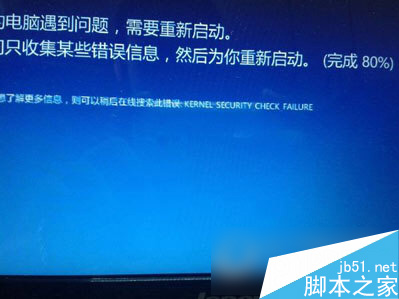
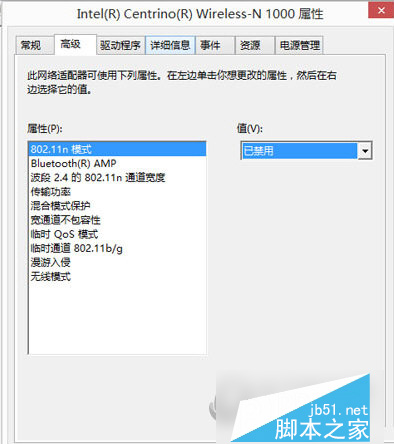
亦可嘗試更新網卡驅動、掃毒等常規藍屏修復方法。
Win10 正式版內建應用問題頻傳,用戶盼 TH2 更新重點修復:Outlook 郵件等核心應用體驗待提升
Win7 IE8 增益集 (附加元件) 管理與停用/刪除教學
微軟確認即將推送 Windows 10 Mobile 105xx 預覽版:質變級更新,TH2 新分支首秀
Windows XP 開機 F8 功能鍵進階應用:禁止安全模式、編輯 MSDOS.SYS 關閉多重開機選單
Win10 搜尋不到無線網路?手機熱點也連不上?完整排查與修復指南
Windows 10 正版升級福利:免費升級後不僅永久啟用,重裝無限次自動啟用,數位授權綁定硬體