Skype 是 Windows 10 內建應用,一般解除安裝方式有時失效。提供三種由易到難的移除方案。
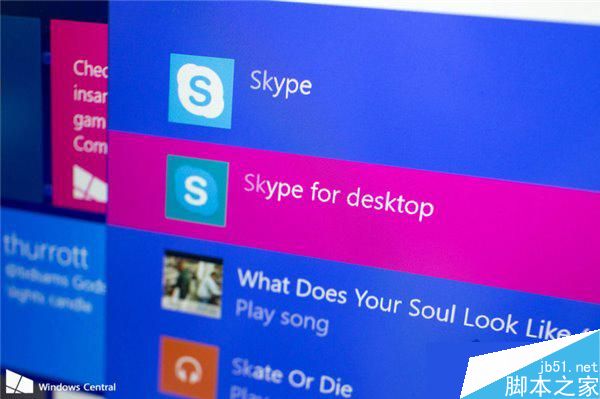
Get-AppxPackage *skype* | Remove-AppxPackage若日後需要可從 Microsoft Store 重新安裝。
Windows 10 Mobile 預覽版更新內容完整彙整:新版開始畫面、通知中心、Office、Spartan 瀏覽器等詳解
修改 Windows 7/XP 開機選單名稱:BCDEdit 與 Boot.ini 完整指南
Windows 遠端桌面連線完整指南:從 2000 到 7 的啟用、連線與最佳實務
Win10 OneDrive 如何設定「不同步」特定資料夾?釋放本地磁碟空間
Win10 隱藏桌面圖示一鍵切換:右鍵選單「檢視」取消勾選「顯示桌面圖示」
Win10 新功能:對著麥克風說話即可開啟應用程式,語音控制超方便