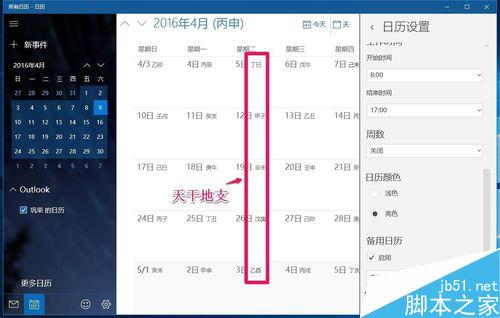
Win10 內建「行事曆」App 支援農曆/干支曆顯示:
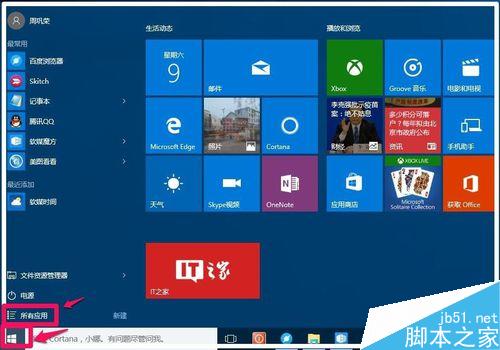
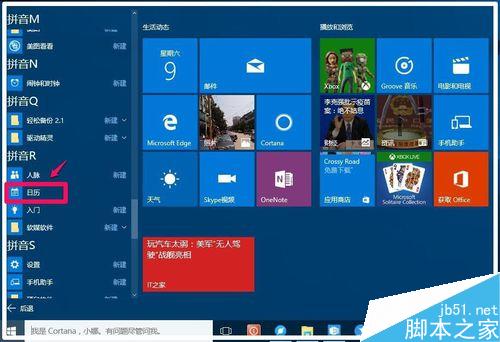
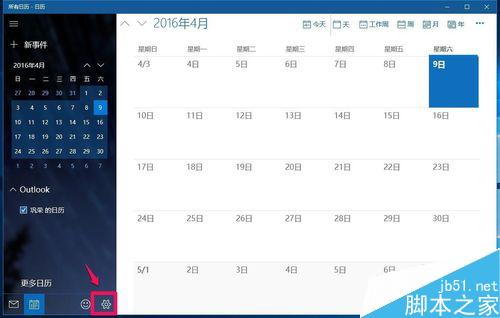
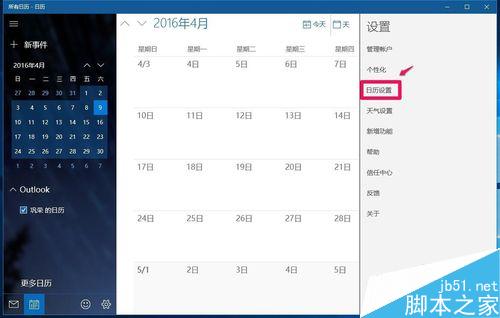
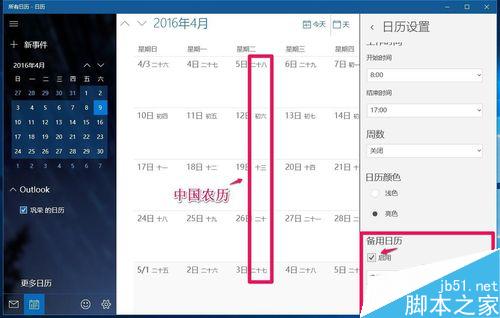
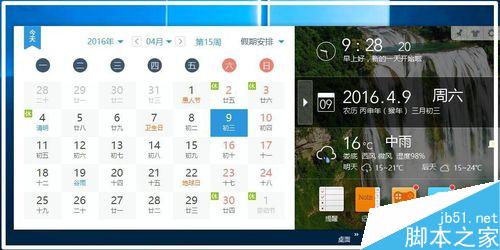
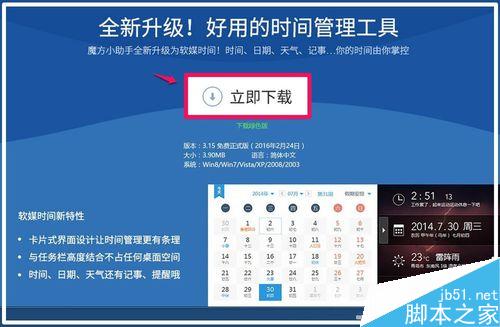
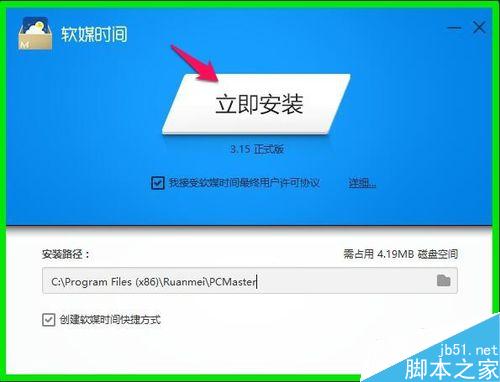
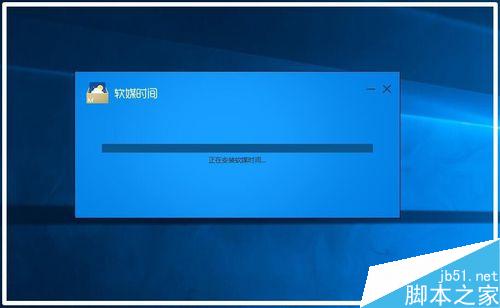
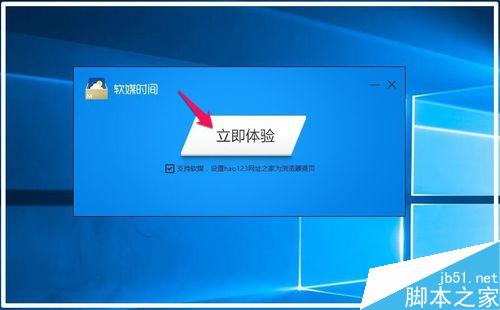
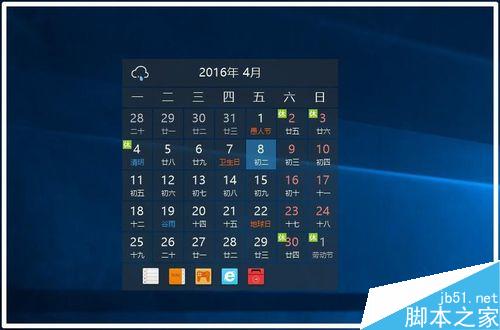
若嫌操作麻煩,可下載 軟媒時間 v3.1.6.0(2.90 MB),安裝後任務列右下角直接滾動顯示日期(含農曆)、時間、星期、天氣,點擊彈出完整行事曆圖片,更直觀便捷。


Win7 32 位元硬碟圖示異常、僅系統分區顯示磁碟標籤?重建圖示快取或刪除 autorun.inf
忘記 XP 開機密碼?無光碟也能用 CMD 離線修改登錄破解
Win7 64位「硬體保留記憶體」過大?雙重 msconfig 設定法釋放記憶體
Win10 無法升級 10041 版本?常見錯誤代碼與解決方案彙總
Windows 10 如何設定圖片密碼(圖形密碼)?完整圖文教學
Win10 Build 10532 釋出:右鍵選單現代化、Feedback 分享、EdgeHTML 強化,但 64 位 Chrome 崩潰、Windows Hello 失效
Win10 Build 10537 上手圖賞:OneDrive/Edge/右鍵選單/操作中心/商店/檔案總管新動畫與 UI 微調