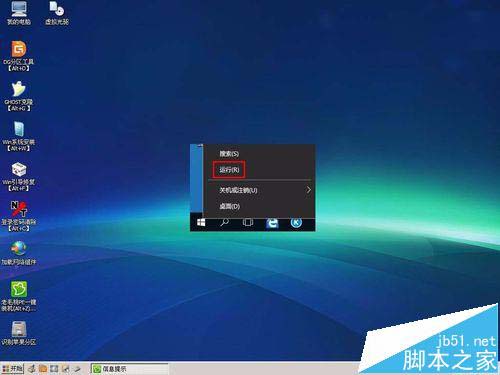
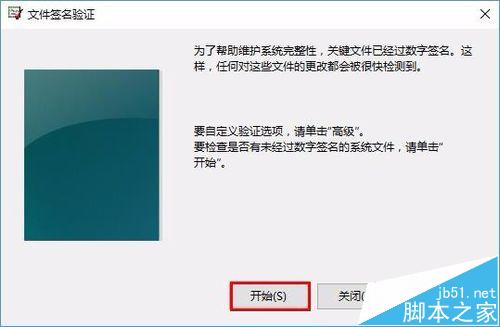
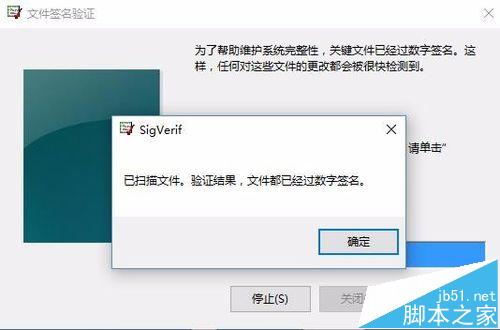
Win10 預設強制驅動簽章驗證,但部分未簽名驅動可能漏檢。使用內建 sigverif.exe 可完整掃描系統中所有未簽名驅動。
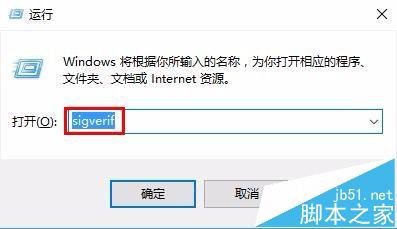
sigverif.exe
sigverif
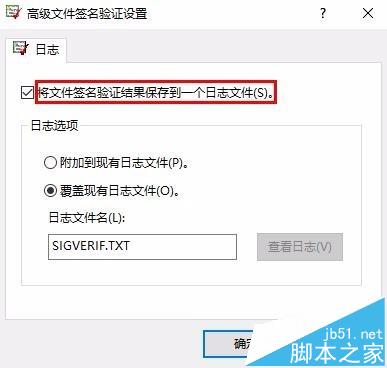
可據此決定是否更新或移除有問題的驅動。
Windows 7 無法修改工作群組名稱?啟用 Server 與 Workstation 服務即可解決
[下載] Win10 10240 傳統計算機應用程式網盤下載(64/32 位)
Win10 激活失敗怎麼辦?常見原因與解決辦法彙整
Win7 關機卡在「正在等待後台程式關閉」解決方案:修改登錄縮短等待時間
Windows 7 開啟 Windows PowerShell 視窗兩種方法 (含管理員權限)
Win7 找不到桌面便箋?直接呼叫 StikyNot.exe 並釘選到工作列/開始功能表
Win10 虛擬桌面完整操作教學:建立、切換、關閉多桌面提升多工效率
進入 Windows 8 安全模式的兩種方法