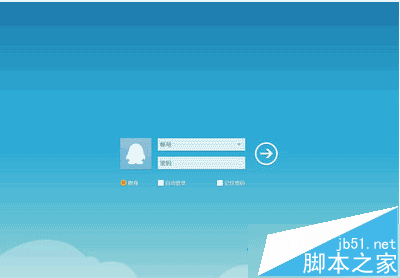
Win8.1 系統執行 QQ 或其他程式彈出「QQ.exe - 找不到進入點」,導致程式無法啟動。
系統檔 COMRes.dll 遺失或損壞,導致 COM+ 元件註冊失敗。
COMRes.dll
C:\Windows\winsxs\...
C:\Windows\System32
System32
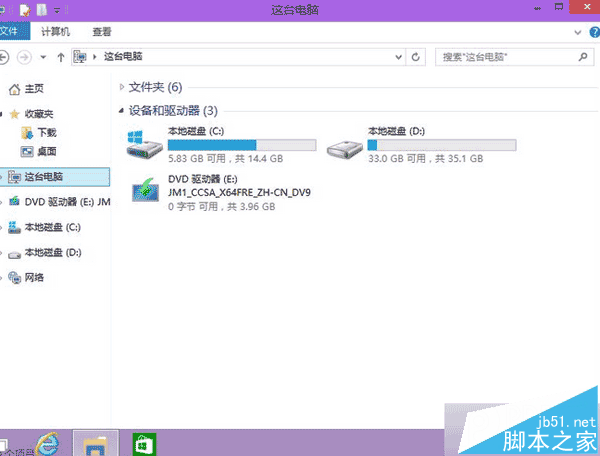
此問題常見於精簡版/ Ghost 系統缺失系統元件。建議使用原版映像安裝或執行 sfc /scannow 修復系統檔案。
sfc /scannow
Win10 筆電關閉休眠模式的最快指令法
WinXP進入桌面後黑屏幾秒?Intel顯卡驅動igfxpers啟動項衝突一鍵修復
Windows 10 家庭版/專業版零售價正式公布:最低約人民幣 737 元
Windows 10 Firefox Flash 外掛頻繁崩潰?關閉保護模式相容性修復教學
Windows 8.1 無聲音、喇叭圖示紅叉?三大修復措施:音量調整、更新驅動、重灌系統
Win7 淘寶購物提示 Aliedit.dll 遺失?三步註冊修復安全外掛
Win7/Win8 提示「telnet 不是內部或外部命令」解決方法
Win7 Ctrl+Shift 無法切換輸入法?控制台語言設定變更按鍵順序解決