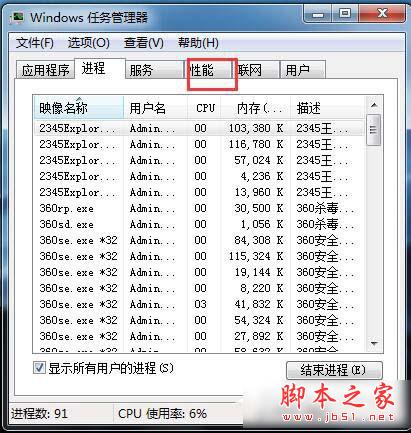
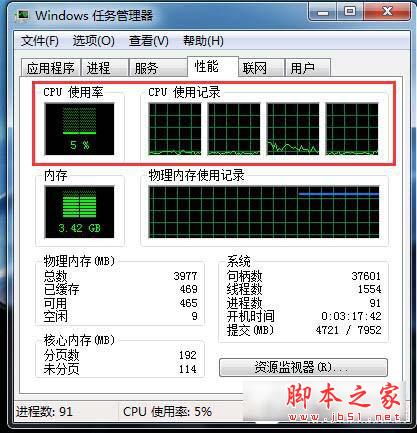
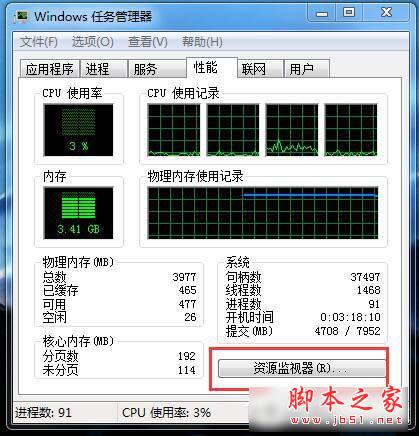
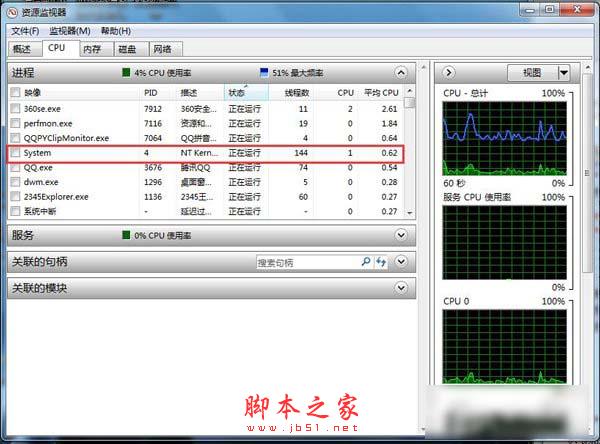
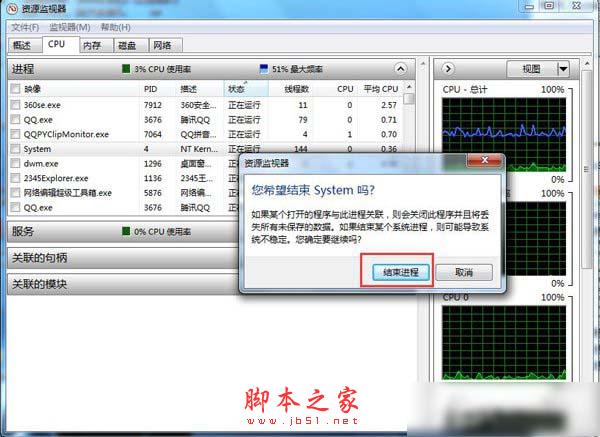
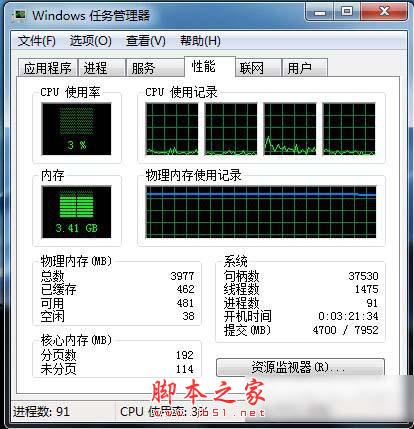
Win7 CPU 使用率波動大、電腦發熱、運算變慢,通常是某支程式佔用過高。善用「資源監視器」即可秒找元兇。
範例中 `100PTC` 程式長期佔用 20%+ CPU,結束後 CPU 使用率降至 10%-30%,風扇轉速明顯下降。定期檢查資源監視器,讓電腦保持輕快。
Win10 群組原則禁止使用者手動檢查更新(Build 14931+)
Win10 滑鼠右鍵選單跑到左邊?一行指令開啟平板電腦設定調回右側
WinXP 管理開機啟動項:msconfig 內建工具禁用多餘項目,避免第三方軟體禁用失效
Windows 10 Build 10147 畫廊洩露:正式啟用 Edge 品牌,平板模式導航優化
Win10 快速映像升級安裝圖文教程:保留應用無痛升級
WinXP 使用複印機掃描文件完整圖文教學
Windows 關機取消「強制關閉程式」提示視窗 透過群組原則設定
Win10 關閉 Windows 錯誤報告:群組原則一鍵停用