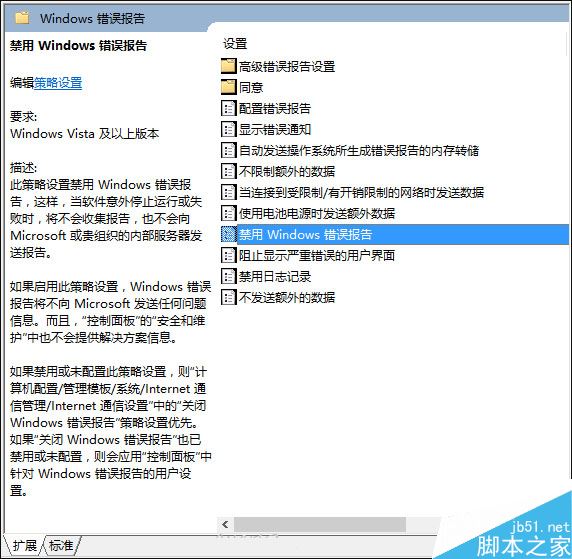
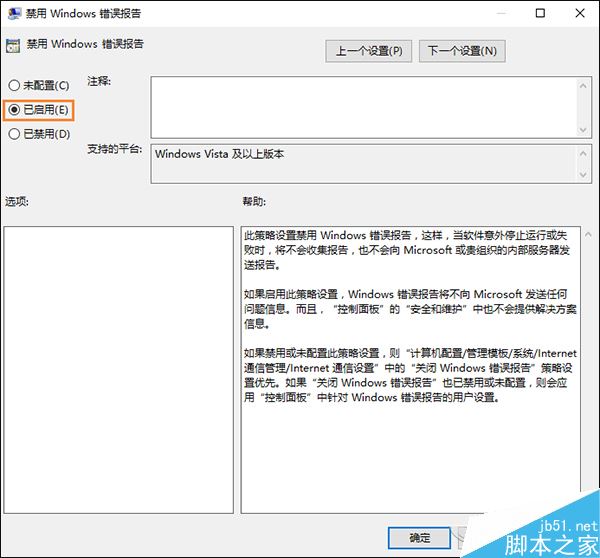
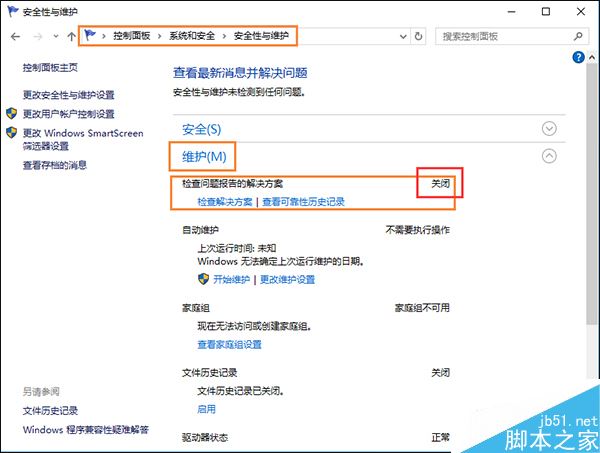
Win10 設定介面中 Windows 錯誤報告開關呈灰色無法關閉,預設自動送出錯誤報告干擾工作。透過群組原則可強制停用。
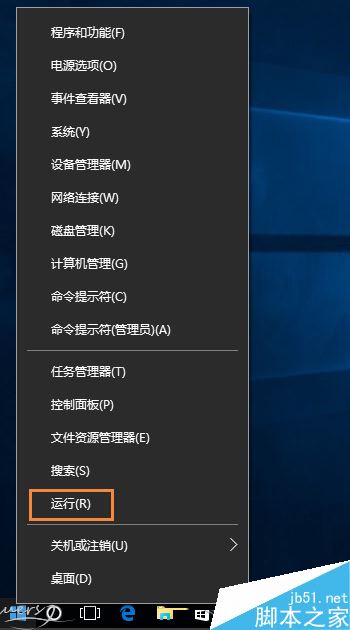
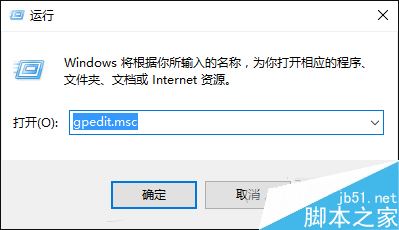
gpedit.msc
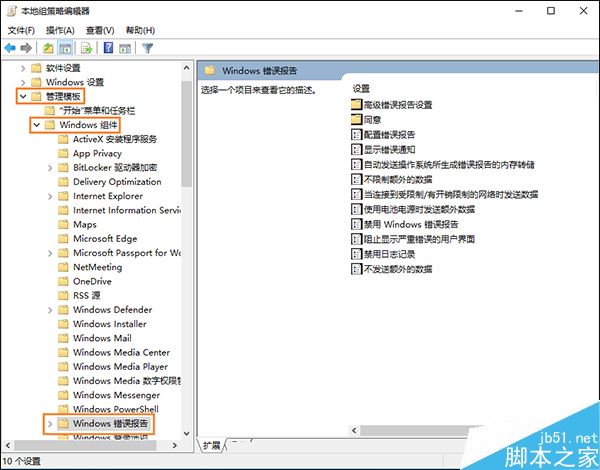
電腦設定 → 管理範本 → Windows 元件 → Windows 錯誤報告
關閉錯誤報告可減輕關機負擔、理論加快關機速度,且運行過程不再彈出錯誤報告視窗。
微軟官方提供 Win7 ISO 鏡像下載:輸入序列號即可獲取,助力 Win10 降級
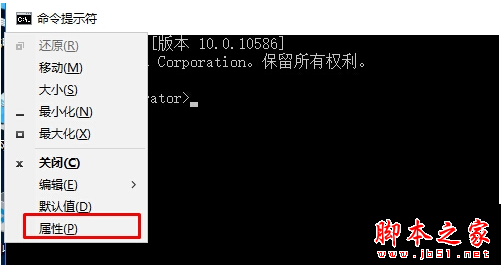
Windows CMD 常用命令大全與快速開啟方法
Surface Studio 升級 SSD 完整教學:32 顆螺絲、170 步驟、理論不失保固,附 iFixit 拆解影片
Win10 系統升級中國新夥伴:百度加入戰略合作行列
Win7 系統耳機音量太小解決辦法:啟用響度均衡
微軟、Google、Mozilla 宣布 2016 年初停止支援 RC4 加密演算法
升級 Win10 14295 後滑鼠跳動、異音?禁用 TPM 維護任務暫時緩解
Win7 如何更換開機音效?自訂專屬開機聲音完整教學