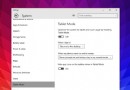
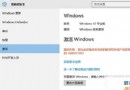
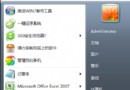
Win10 快速映像升級安裝圖文教程

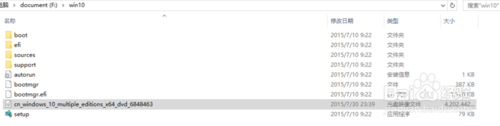
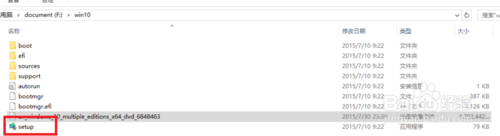
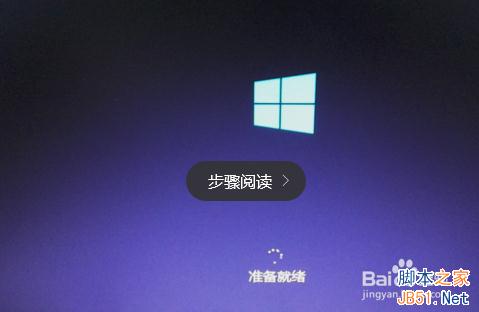

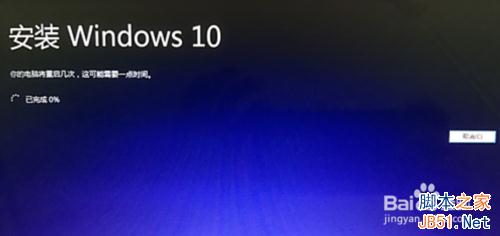
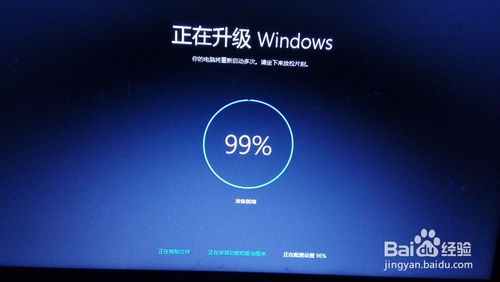
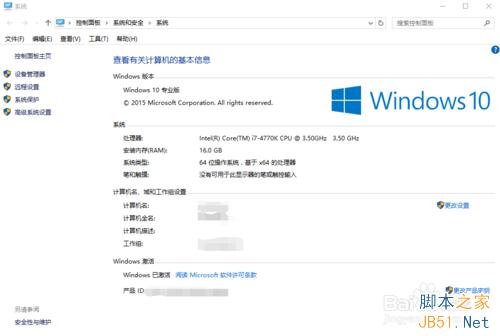
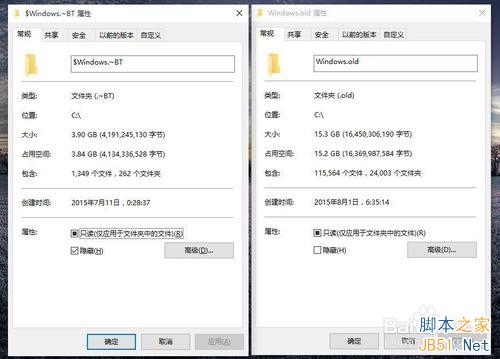
以上就是 Win10 快速映像升級安裝圖文教程,希望能幫助大家!
Win7 開啟瀏覽器藍屏 1000008E?罪魁禍首是 360 驅動 qutmdrv.sys,三招徹底解決
Win10 螢幕飽和度/色彩調整:個人化 > 色彩 > 關閉自動主題色 > 手動選色
Win10 無線網卡 RTL8192DE 無法使用?改用 Atheros 驅動即可解決
Win10 夏季全面上市、免費升級一年終身授權、聯想新機預裝、騰訊/360 管道三大核心資訊彙總
Win10 10240 預覽版發布更新修復帳戶驗證問題 含 Intel 顯卡驅動
Windows 10 Build 9879 硬碟無法辨識?根因為 PUIS (Power-Up In Standby) 功能衝突,附暫時規避方案