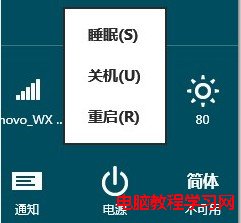
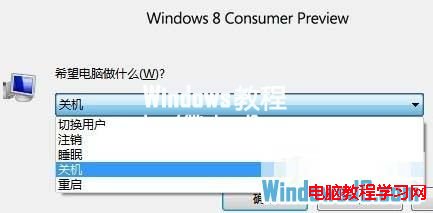
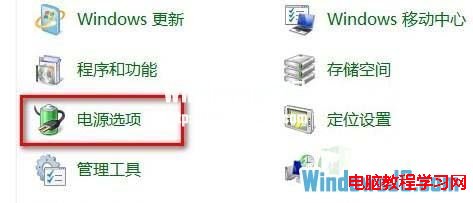
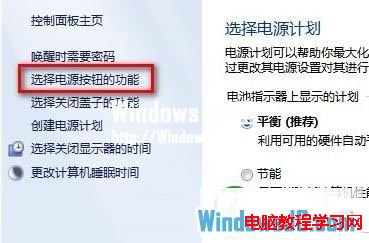
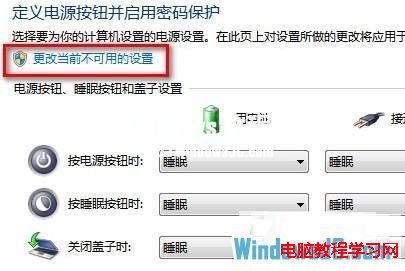
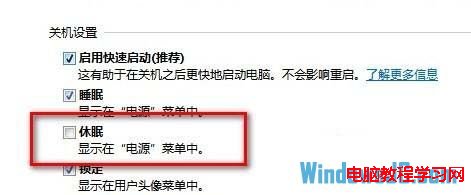
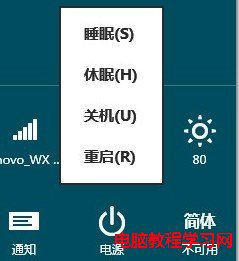
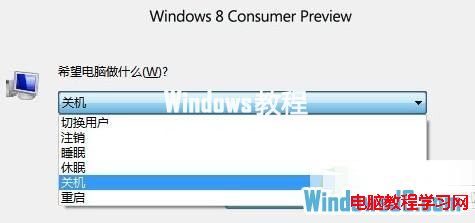
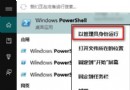
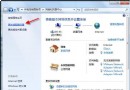
Win8 預設關機選單隱藏「休眠」。透過電源選項啟用後,「電源」按鈕與 Alt+F4 選單即會出現「休眠」選項。
hiberfil.sys
想全新安裝 Windows 10?微軟警告:現有版本啟用金鑰已失效,唯一路徑為就地升級
Win 10 開機提示帳號密碼錯誤並出現雙重帳號?修改組策略恢復自動登入
Windows 8 內建截圖工具使用教學
微軟發布 Win10 消費者版本:Win7 首年免費升級、開始選單可縮放、Action Center 整合通知與快速設定、Cortana 入駐任務列
Win10 關閉「Windows 安全性警示」彈窗?停用 SecurityCenter 服務或關閉防火牆
Windows 7 資訊安全中心服務異常?啟用 Security Center 服務即可修復
Win8 關機後自動開機?關閉網路喚醒功能即可解決
Windows XP 撥號斷線後久久無法重撥?設定「重撥間隔」為 1 秒實現斷線即時重連