微軟 8 月 3 日起分批推送週年更新,若長時間未收到,可執行指令清除更新快取並強制重新檢查。
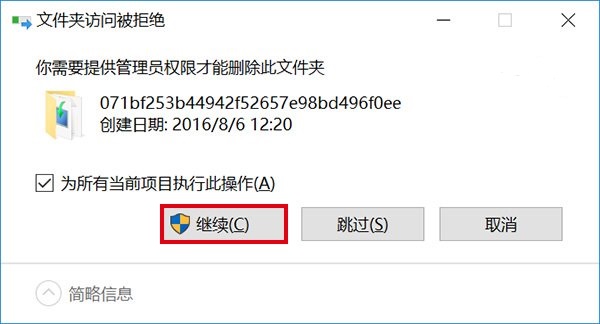
C:\Windows\SoftwareDistribution\Download 資料夾,**刪除裡面所有檔案** (勿刪除資料夾本身),需管理員權限。wuauclt.exe /updatenow (注意空格) 按 Enter。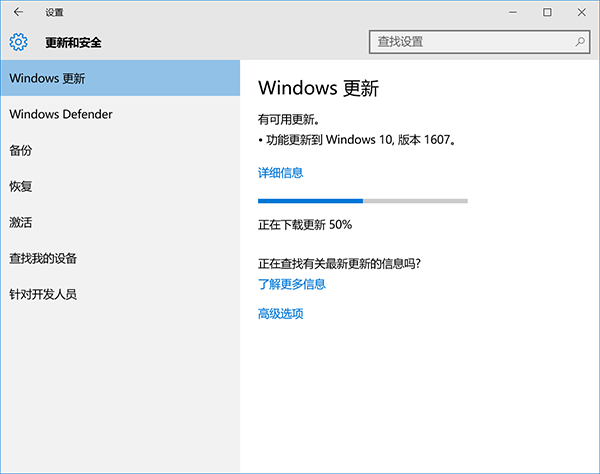
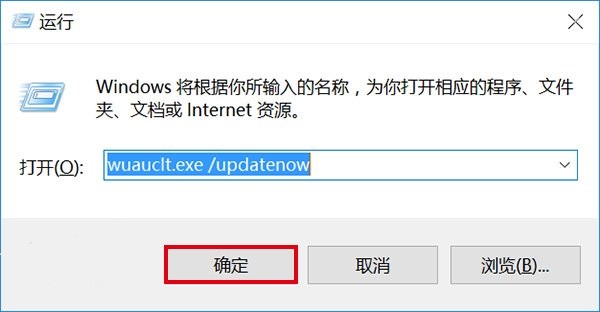
此法可跳過分批推送機制,立即獲取更新。
Win8 還原出廠設定後無法啟動錯誤 0x80072EE2?關閉防火牆、修改 Hosts、改 DNS 教學
Win10 Modern 應用程式閃退無回應?PowerShell 一鍵重註冊修復教學
解決 Win7 筆電提示「請考慮更換電池」:重裝電池驅動或校準電量
Win10 TH2 10586 今日推送:修復內容完整彙總與升級指引
Win7 關閉 UAC 後側邊欄無法使用?修改登錄啟用 AllowElevatedProcess
Win10 更新無線網卡驅動程式確保無線網路穩定:裝置管理員一鍵自動搜尋
Windows時間同步失敗「與time.windows.com同步時發生錯誤」?啟用Windows Time服務並手動同步完整教學