Windows 10 週年更新強化 Cortana 小娜跨平台同步功能,電腦可接收手機來電、簡訊、低電量提醒及 App 通知 (如支付寶、微信)。
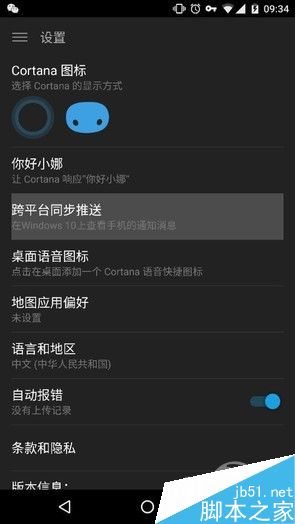
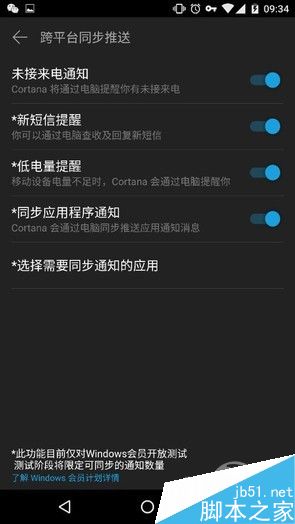
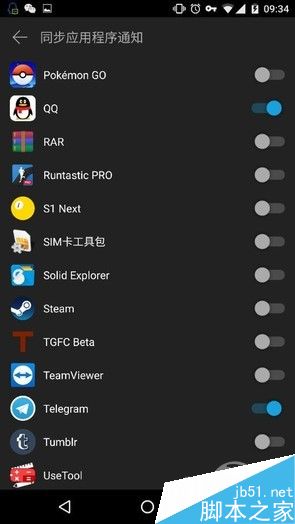
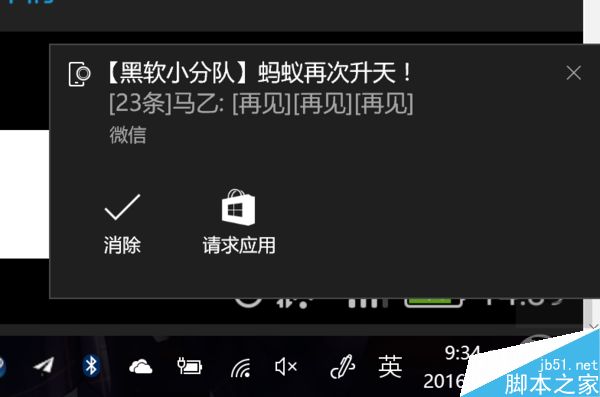
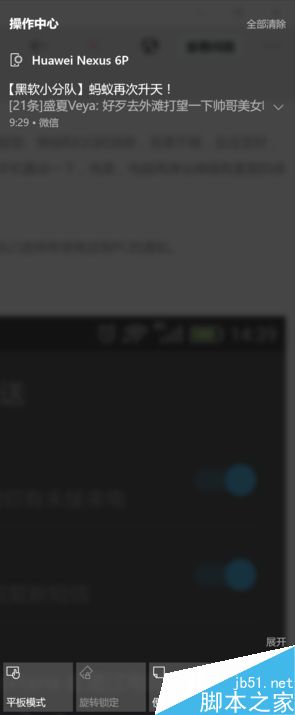
此功能雖不支援完整互動,但能有效避免專注電腦工作時錯過手機重要訊息。
Win10 登入畫面自動開啟數字鍵盤 NumLock?修改登錄 InitialKeyboardIndicators 即可實現
Win10 家用版新增本機使用者:控制台 → 使用者帳戶 → 在電腦設定中新增使用者
Win10 10166 升級前必備份 Edge 瀏覽器資料,否則收藏/歷史將遺失
Windows 8 系統設定定位功能圖文教學:從控制面板啟用位置平台
微軟官方確認:Windows 10 原生支援 MKV 影片播放
Win7 系統設定開機提示與問候語:透過本機群組原則自訂歡迎訊息
Win10 14393 更新後網路圖示紅叉無法上網?360 LSP 修復 或 netsh winsock reset 兩大解法