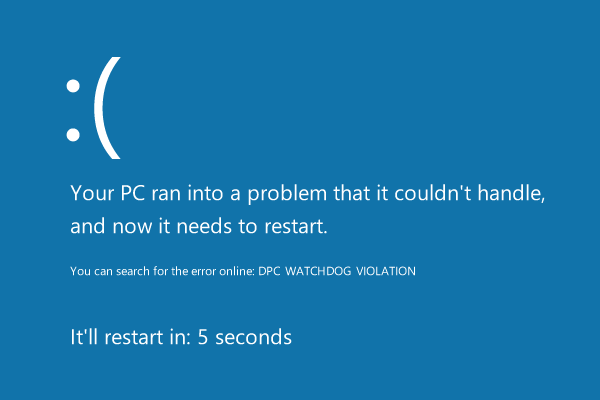
Windows 7 顯示網路已連線卻無法瀏覽網頁,多半是 Winsock 目錄損毀。執行單一指令即可重置修復。
cmd 開啟命令提示字元。netsh winsock reset 並按 Enter。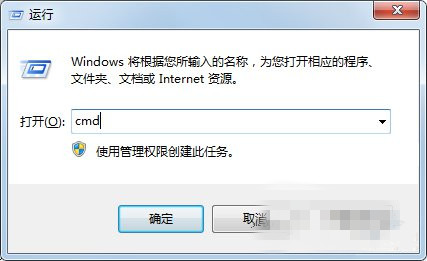
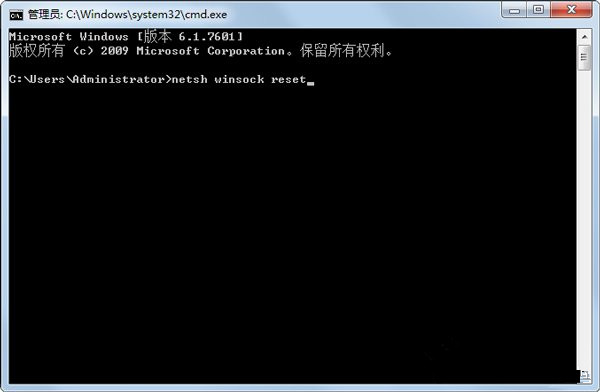
此指令將重置 Winsock 目錄至預設狀態,解決網路協定異常導致的連線問題。
Win10 Build 9926 IE11 暗藏 Spartan (Edge) 引擎:about:flags 一鍵啟用實驗性 Web 平台功能
Win7 光碟機插入光碟自動彈出?關閉 Shell Hardware Detection 服務
Win10 OneDrive 同步極慢?三大加速方案:修改 Hosts 指定優質 IP、提高上傳執行緒數、關閉 Office 上傳中心衝突
Win8 系統快速搜尋軟體兩大法:應用商店與萬能網盤搜尋工具
Win10 遙測資料四等級完整解析:企業版專屬「安全性」等級 0,一般用戶最低只能設「基本」等級 1