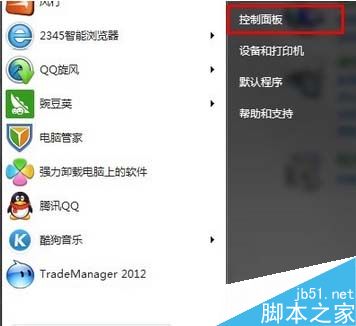
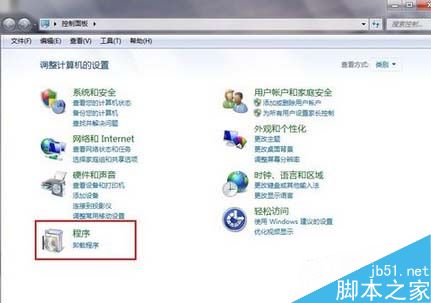
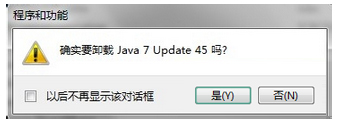
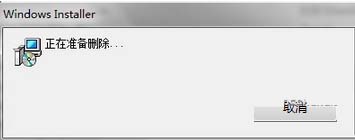
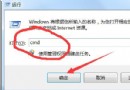
JDK (Java Development Kit) 非開發者通常用不到,佔用空間可移除。Win7 標準解除安裝流程:
控制台解除安裝適用於大多數應用程式,簡單乾淨無殘留。感謝閱讀,更多內容請持續關注!
WinXP 玩帝國時代 2 花螢幕?調整顏色品質至 16 位元即可解決
Win10 內建 Groove 音樂播放器在哪?新增音樂、建立播放清單完整教學
如何下載 Win10 作業系統?官方預覽版下載步驟完整圖解
Win7 重裝系統遭遇斷電怎麼辦?錯誤提示「計算機意外重啟」完美解決教程
有產品金鑰如何將盜版 Win8 升級為正版?Win8 正版授權教學
Windows 修改 Hosts 檔案完整教學:封鎖網站、去廣告、本地解析
Win10 玩 LoL 卡頓、藍屏、閃退?四大解決方案快速修復
你準備好免費升級 Windows 10 了嗎?13 問答完整檢視