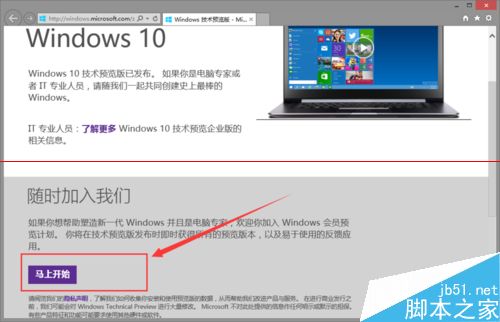
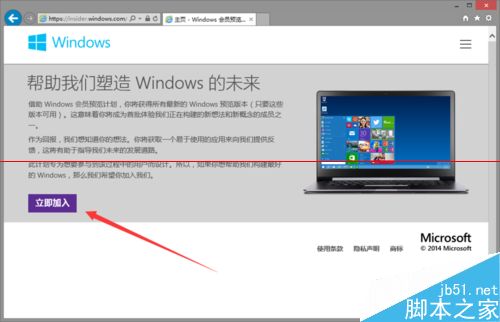
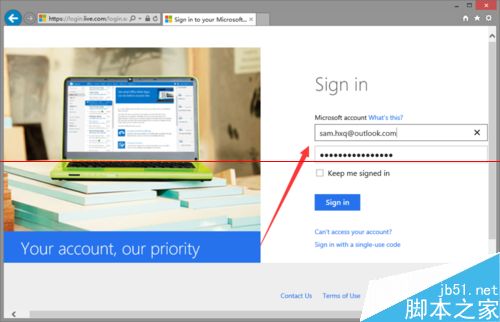
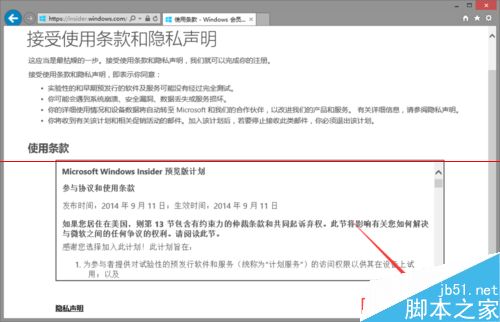
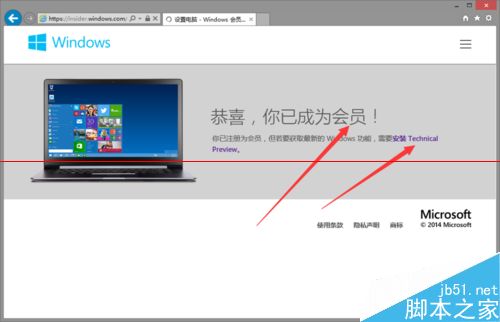
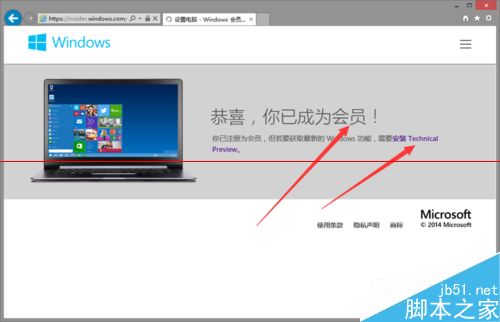
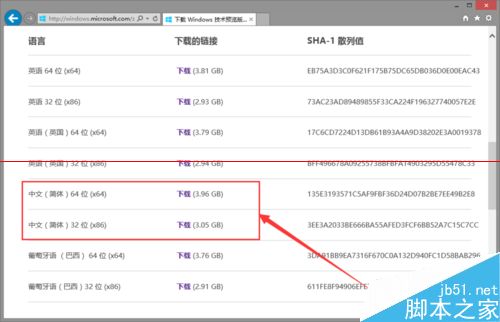
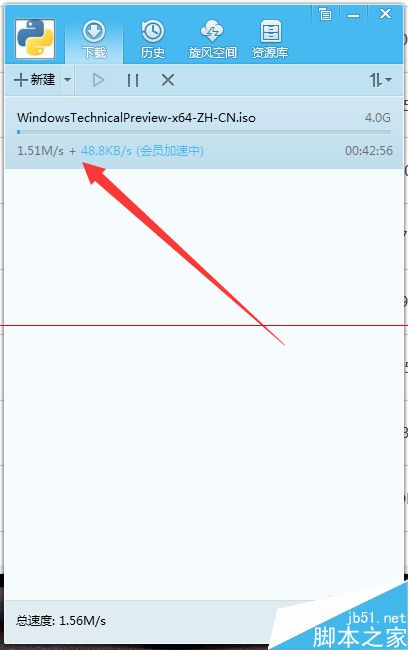
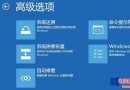
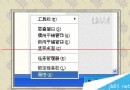
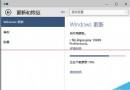
Windows 10 預覽版今日開放下載,直接說明下載步驟:
Win10 顯卡驅動更新兩法:裝置管理員自動更新 / 360 驅動大師一鍵安裝
WinXP 無法搜尋無線網路訊號五大解決方案
WinXP 禁止移動裝置自動播放:群組原則設定圖文教學
Win7 數位板觸控筆連點出現水波紋(右鍵選單)怎麼關閉?
Win10 Build 10041 如何啟用 Spartan 瀏覽器渲染引擎?IE11 about:flags 實驗功能開啟教學
傲梅分區助手 Win 10 版詳細使用教學:調整大小、遷移系統、合併分區實戰
Win7 手機連接 USB 提示「正在安裝驅動程式」無反應?資料夾選項隱藏空磁碟機解決
Win10 手機硬體需求完整規格:螢幕 3-7.99 吋、記憶體依解析度分級、4GB 儲存需支援 SD 擴充