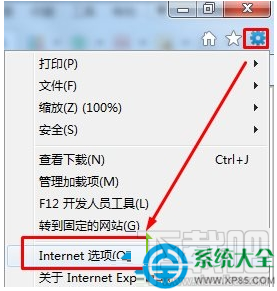
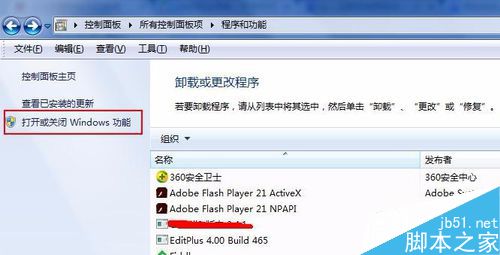
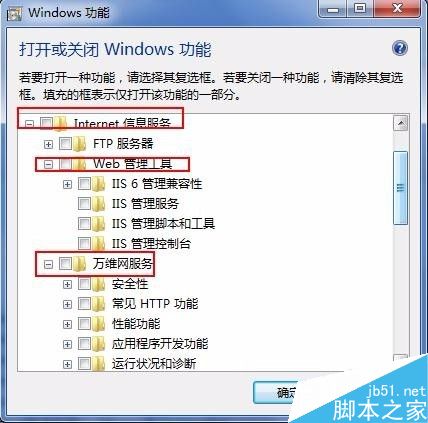
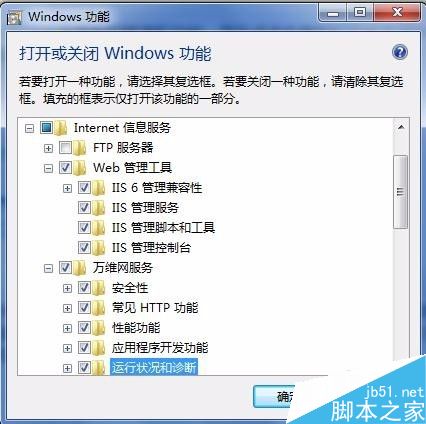
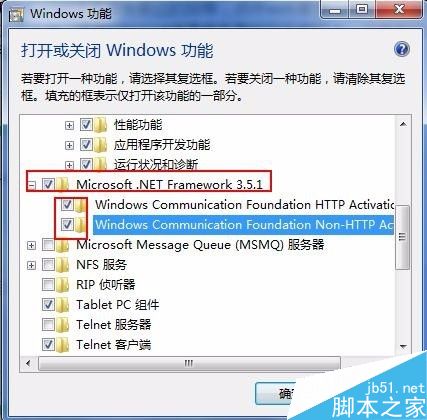
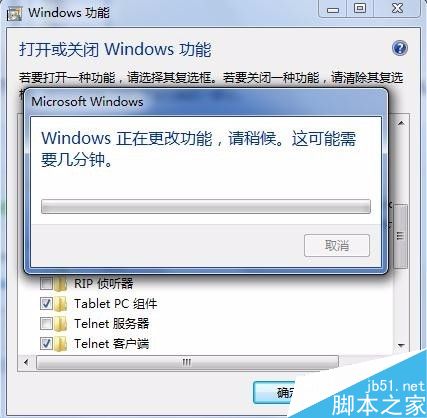
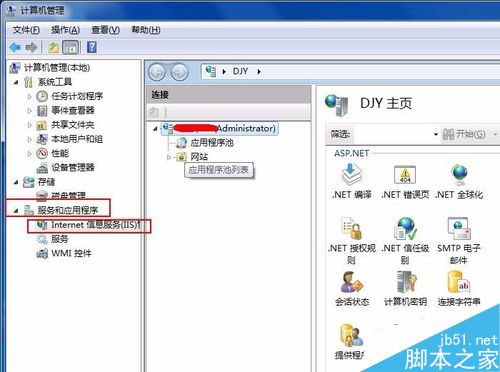
IIS (Internet Information Services) 是 Windows 內建的 Web 伺服器功能,常用於本地開發測試 ASP.NET、PHP、靜態網站。Win7 透過「開啟或關閉 Windows 功能」即可一鍵安裝,無需下載額外安裝包。
https://localhost 或 https://127.0.0.1,出現 IIS 預設歡迎頁面即成功。提示: 不確定要勾哪些時,直接把 Internet Information Services 整個節點全勾選最省事,日後可在 IIS 管理員停用不需要的模組。
在外接 SSD 上讓 MacBook 運行 Windows 系統:Windows To Go 實戰
XP 啟用休眠提示「拒絕存取」?關閉再開啟休眠或刪除 hiberfil.sys 解決
Windows 7 擴大 C 槽空間教學:使用分區助手專業版無損調整分區
Windows 8 內建系統還原/重設電腦完整實測:取代 Ghost 的新選擇?
Win10 安裝 Office 2016 失敗錯誤 30088-1028(0) 解決:卸載舊版 + 官方修復工具
Windows 7 開啟 CHM 檔案顯示「已取消導航」解決法