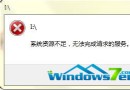
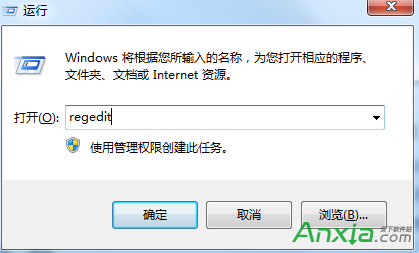
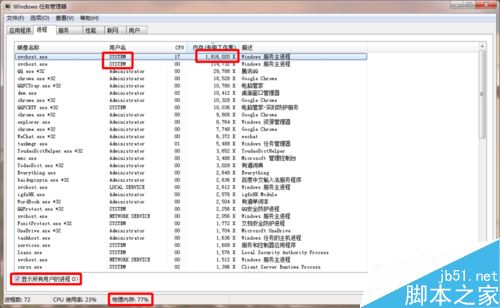
Win7 開機後 svchost 佔用 4GB 記憶體 80%+,追蹤到屬於 netsvcs 群組的 Windows Update 服務狂掃更新導致。停用該服務即可釋放記憶體。
排查與解決步驟
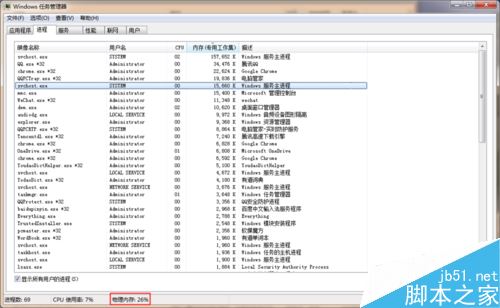
- 工作管理員勾選「顯示所有使用者程序」→ 找佔用高的 svchost → 右鍵「前往服務」。
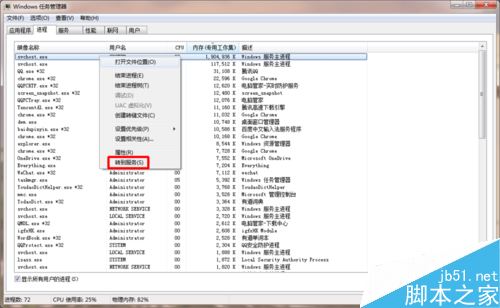
- 服務頁籤找 PID 相同的服務群組(netsvcs),找到 Windows Update → 停止服務。
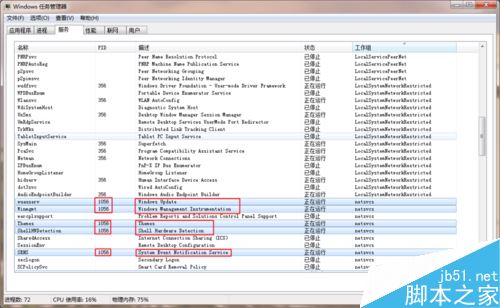
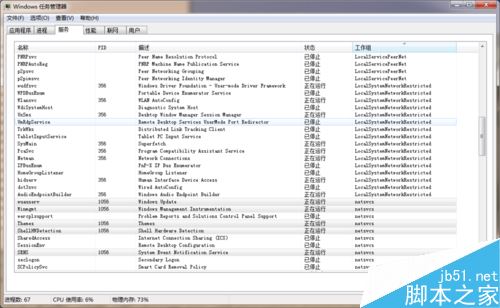
- 右鍵 Windows Update →「內容」→ 啟動類型改「手動」或「停用」。
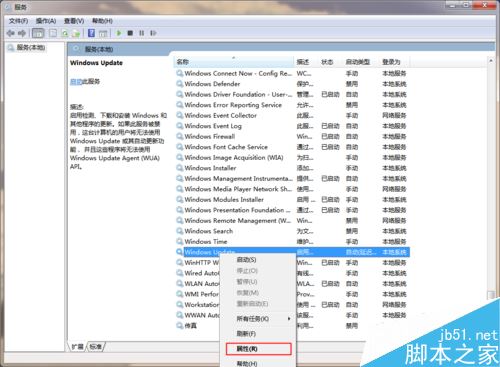
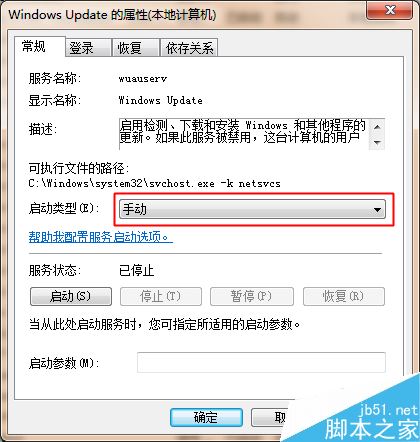
- 記憶體佔用立即恢復正常。
注意:停用後無法自動更新,建議非使用時段(如夜間)手動啟用更新,完成後再停用。開發者建議保持啟用。