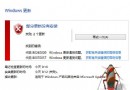
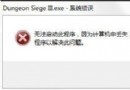
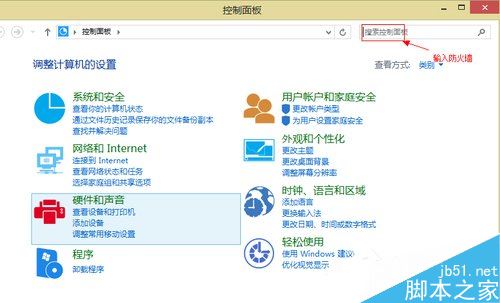
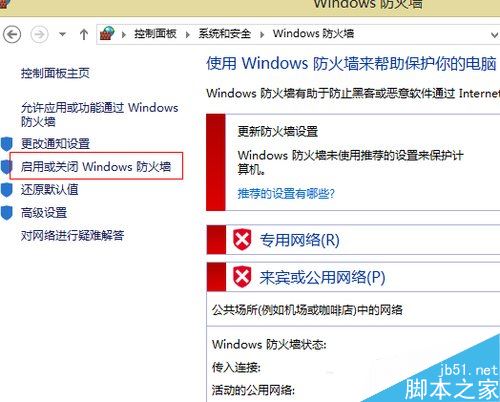
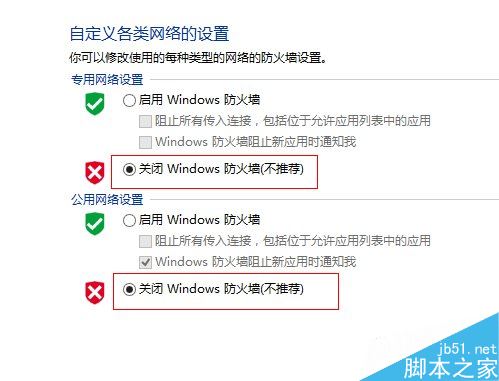
Win 8 防火牆彈窗頻繁且白名單少,建議關閉改用第三方安全軟體:
Win10 TH2 隱藏功能大盤點:比 Win7 快 30% 的 7 大你可能錯過的新特性
[下載] Win 10 Build 10525 自製中文 ISO 映像檔釋出,含 SHA1 校驗與安裝金鑰
Win10 Mobile 預覽版降級/回滾 WP8.1 教程:Windows Phone Recovery Tool 抹機還原 (附工具下載連結)
Windows 8 開啟攝影機 (相機) 完整教學:內建應用與第三方軟體 ECAP
Win7 Program Files 路徑長度限制:EndNote 深層資料夾複製失敗案例分析