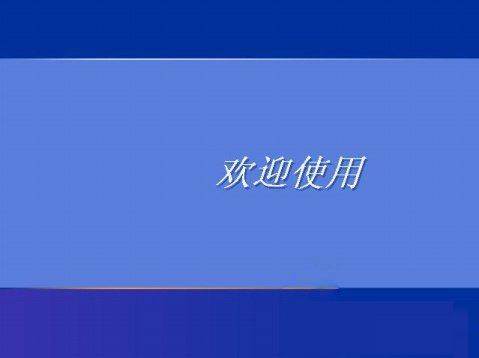
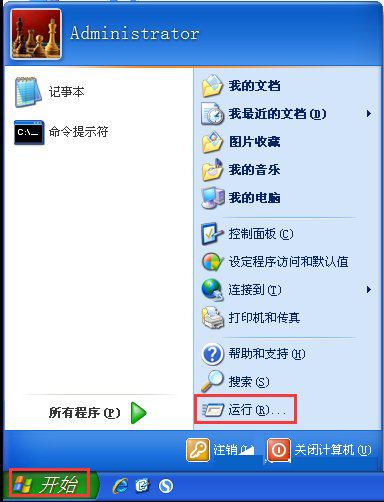
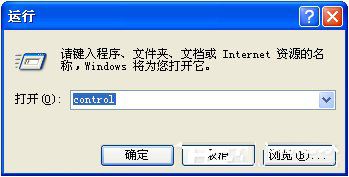
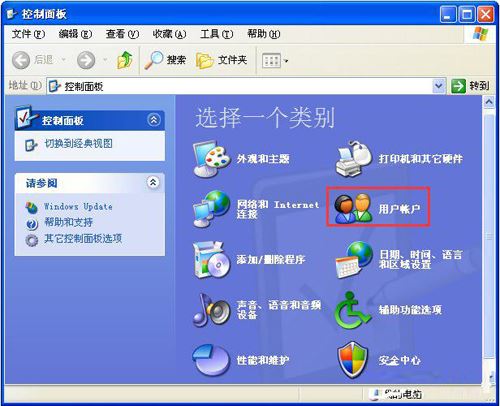
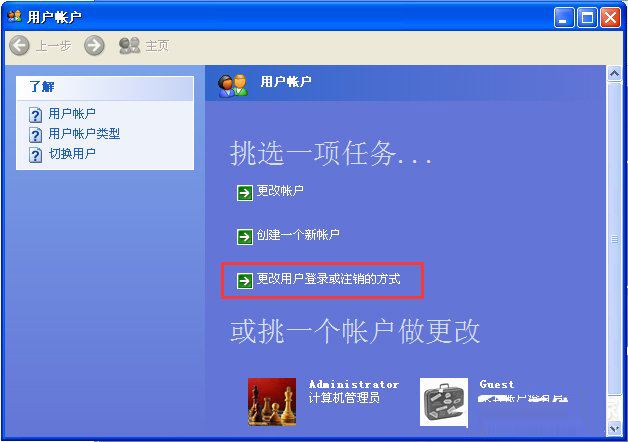
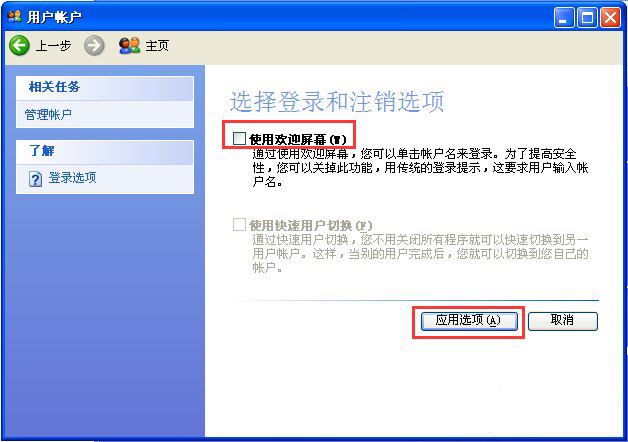
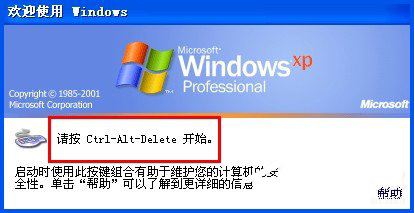
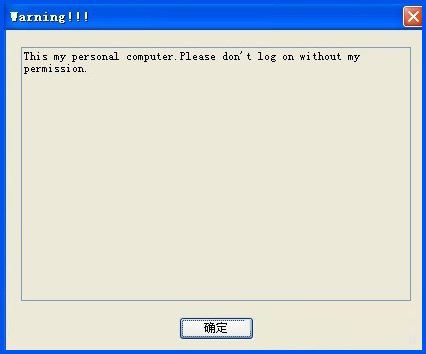
XP 預設登入畫面顯示「歡迎使用」,若想顯示個人化歡迎語或警告訊息,請依下列步驟操作:
control
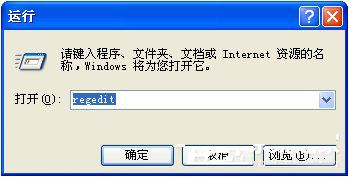
regedit
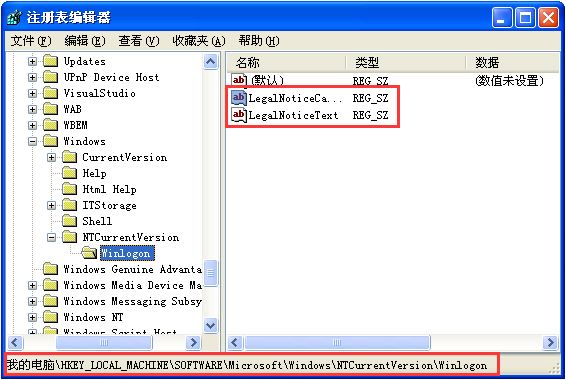
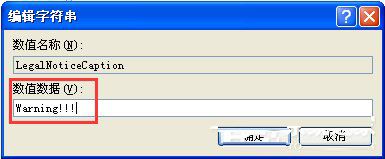
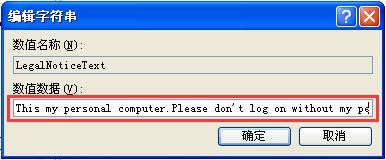
HKEY_LOCAL_MACHINE\SOFTWARE\Microsoft\Windows NT\CurrentVersion\Winlogon
LegalNoticeCaption
LegalNoticeText
Windows 10 內建照片應用旋轉圖片教學:拉直、裁剪、儲存一氣呵成
Win10 如何禁用 SearchUI.exe (Cortana) 進程?重命名安裝目錄禁止啟動 (需獲取權限)
Windows 10 開機密碼設定與取消完整圖文教學
Win10 系統時間改 24 小時制:設定 → 時間與語言 → 格式 → 變更短/長時間格式
Windows 內建計算機進階用法全攻略:程式設計師、單位換算、日期計算
Windows Server 2003 遠端桌面超出最大連線數解決方案:tsmmc.msc、/console 參數、群組原則限制閒置時間、增加連線授權
Win10 專注模式(免打擾)完整指南:一鍵開啟、排程自動化與限制說明
安裝 Win8 時使用 Diskpart 命令分區完整教學:無 100MB 系統保留分區、即時生效、無需重開機