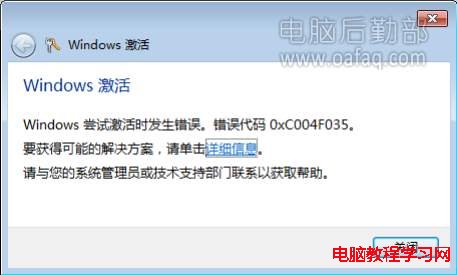
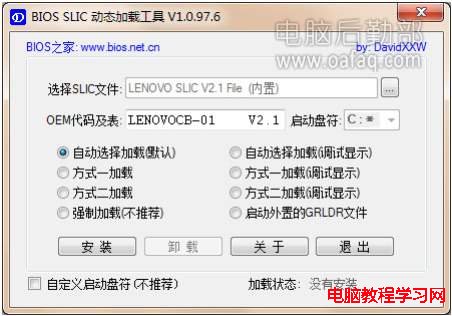
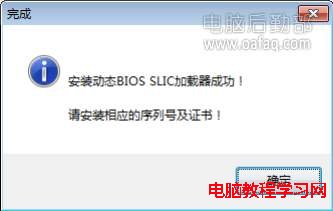
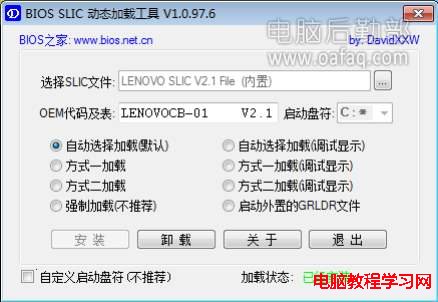
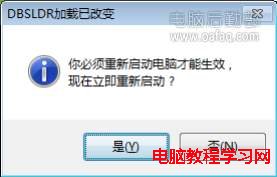
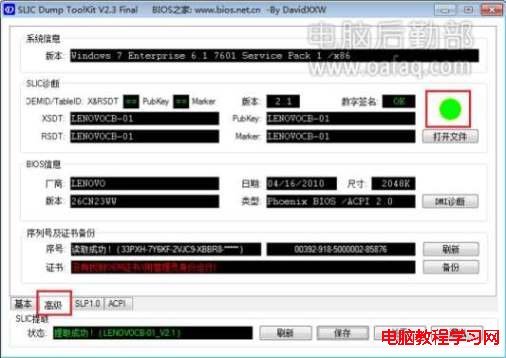
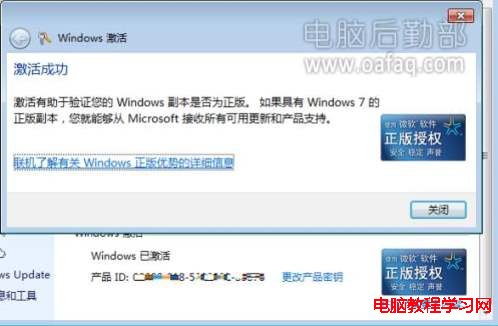
全新安裝的正版 Windows 7 提示一天內需激活,但一直出現錯誤代碼 0xC004F035。透過 BIOS SLIC 動態載入工具 (DBSLDR.EXE) 可模擬 SLIC 表完成激活。
0xC004F035
DBSLDR.EXE
SLIC Dump ToolKit
Win10 更新報錯 0x80070422 再報 0x8024001e?啟用 Windows Update 服務即時修復
Win7 Aero 玻璃半透明效果消失修復:個人化啟用透明效果或疑難排解
僅 3 天 Win10 成為全球第五大桌面作業系統:裝機量破 6700 萬、增長速度創微軟史上最快
Win7 無法自動更新兩大原因與解決對策
Windows 10 筆電觸控板關不掉?裝置管理員停用 HID 相容觸控板、或觸控板專用軟體 (Synaptics/ELAN) 禁用
Win10 PC 週年更新預覽版 14393 修復內容與已知問題彙整
Windows 10 專業版中國區售價 1,799 元,切換系統區域至美國可省 550 元
Win10 桌面找不到「此電腦」圖示?一鍵開啟桌面圖示設定顯示電腦圖示