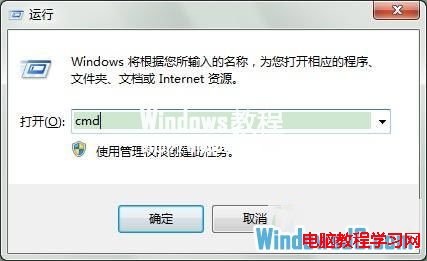
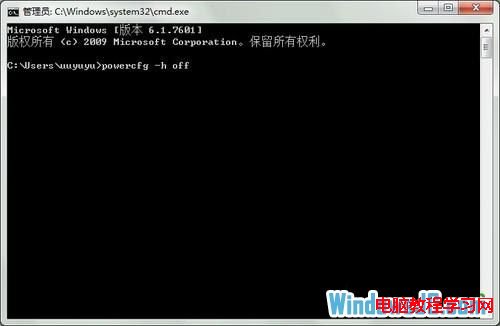
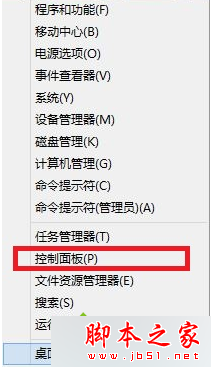
Win7 休眠功能會在系統碟建立 hiberfil.sys(大小約等於實體記憶體),佔用大量空間。若不使用休眠,以系統管理員身分執行 powercfg -h off 即可關閉休眠並自動刪除 hiberfil.sys,瞬間釋放數 GB 空間。
hiberfil.sys
powercfg -h off
cmd
C:\hiberfil.sys
powercfg -h on
Win7 提示記憶體不足但實際尚多?啟用虛擬記憶體自動管理解決
Windows 7 開啟「執行」視窗的多種快速方法
WinXP 如何查看當前執行的程式與進程讀寫資料?任務管理器進階技巧
微軟為何讓 Win10 免費升級?從賣授權轉向硬體與服務營收模式
Win10 查詢 IP 位址兩大法:設定介面視覺化與 CMD 指令快速查
Windows 10 讓 Microsoft Store 應用程式(Modern Apps)全螢幕執行教學
Windows XP 輸入法無法切換/圖示消失三大解決方案:ctfmon.exe 修復、語言列設定、啟動項檢查
什麼是 MAK 啟用金鑰?Win10 查看已啟用 Windows 金鑰 Key 教學