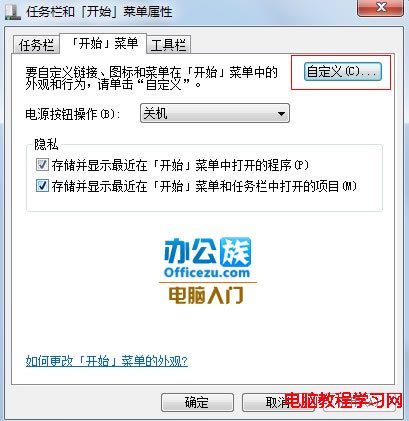
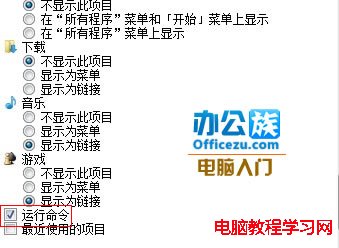
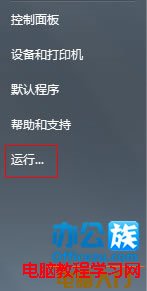
Windows 7 移除傳統開始選單的「執行」指令,新手常找不到。提供四種快速開啟「執行」視窗的方法。
cmd 按 Enter)。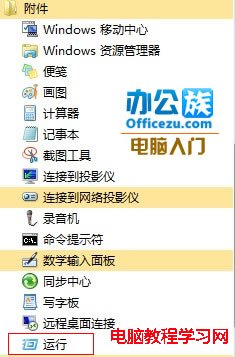


中國政府專用版 Windows 10 完成首個版本:移除消費者功能、強化安全管理性
工作管理器顯示不完整?四大成因與五招修復 (雙擊邊框、Terminal Services、選擇欄、原則、毒)
盜版 Win7/8.1 升級 Win10 能變正版嗎?微軟官方「洗白」方案詳解
Win10 工作列搜尋列太佔空間?隱藏、只顯示圖示、完全關閉三種模式切換教學
Win7 開啟 CDR 檔案是空白?五大原因與修復方案,從版本相容到臨時檔救援
Win10 Build 11102 更新詳解:Edge 歷史快取新增,核心底層 1200+ 處改進