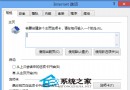
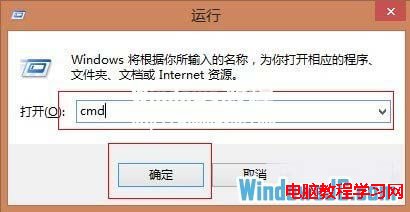
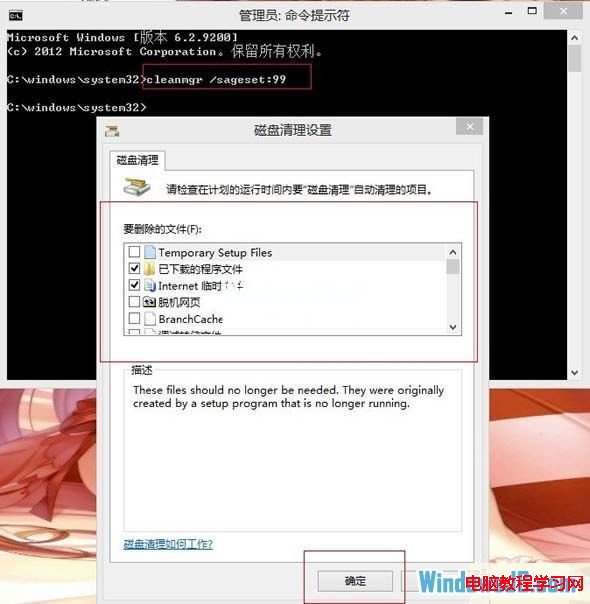
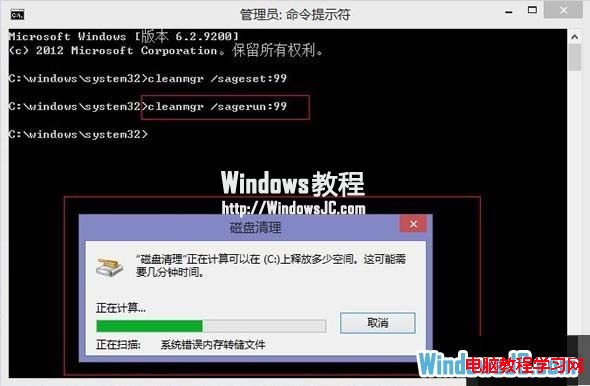
Win8 磁碟清理工具藏得深,每次清理都要層層點選。透過 cleanmgr /sageset:99 建立預設清理項目,再用 cleanmgr /sagerun:99 一鍵執行,或建立批次檔/捷徑更方便。
cleanmgr /sageset:99 → 勾選欲清理項目(暫存檔、回收站、縮圖快取等)→ 確定。cleanmgr /sagerun:99 即自動依設定清理。clean.bat 內容為 cleanmgr /sagerun:99,釘選到工作列/開始畫面一鍵執行。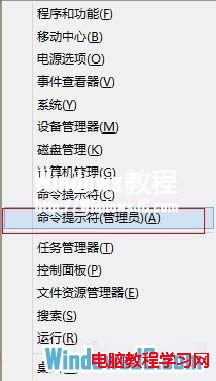
刪除檔案提示「資源回收筒已損毀」:CMD 重建 Recycle Bin 修復
Windows 10發布會前瞻:企業升級、應用生態、版本策略、RT命運、升級收費五大懸念待解
Win7 核心服務 RPC(Remote Procedure Call)能否關閉?深度解析與嚴厲警示
微軟取消 Win10 強制升級:Win7/8.1 使用者可自由選擇
Windows 8 安裝與使用 Bitcoin Miner 比特幣挖礦客戶端完整教學
Win10 內建螢幕錄影神器:Win+G 呼叫 Game Bar 錄製遊戲畫面教學
Win10 Mobile 預覽版新增 Microsoft 帳戶:郵件/應用商店/OneDrive 三大入口替代舊版設定頁