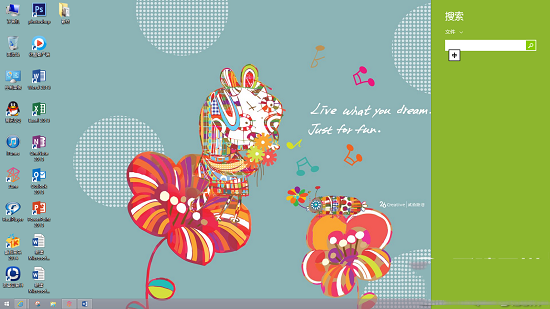
使用 Microsoft 帳戶登入時,開始畫面配置會自動同步至其他 Windows 8/8.1 裝置。
Win7 右鍵「管理」電腦無法開啟(找不到檔案/無關聯程式)?註冊表修正 CLSID Shell 命令路徑秒修
Win10 硬碟佔用 100% 導致卡頓?停用 HomeGroup Listener 與 IPv6 服務緩解
微軟推出 Win10 企業級安全新功能:Device Guard(裝置防護)
64 位元 Win7 安裝印表機完整圖文教學 (本地/網路印表機通用)
WinXP 設定傳真機與傳真服務完整圖文教學
Win7 關閉自動更新:控制台→Windows Update→變更設定→「從不檢查更新」
華碩/聯想筆記本 Win10 改 Win7 BIOS 設置全攻略:UEFI→Legacy、GPT→MBR 圖文詳解
Win7 系統中如何開啟 IIS 服務?