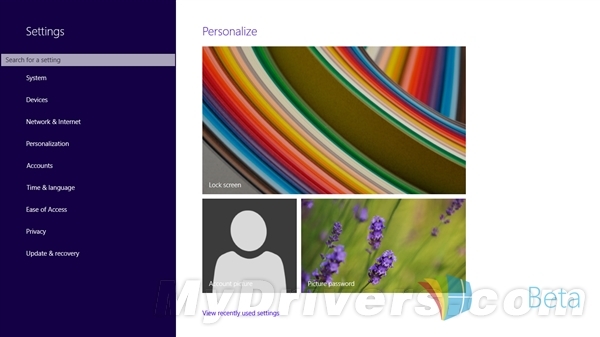
之後安裝未通過 WHQL 認證的驅動程式不再彈出警告,直接安裝。適用 Windows XP/7/8/8.1/10(介面略異)。
Win10 開機右下角彈出「啟用 Windows 安全中心服務」怎麼消除?
Win7/Win8.1 升級 Win10 後全新安裝完整流程與注意事項
這才是真正正式版?Win10 RTM 升級 TH1「八月更新版」Build 10240.16425 完整教學
Win10 如何將本機遊戲加入 Xbox 應用程式?三步驟快速匯入
Win10 原生支援 MKV 播放與 SRT/SSA/ASS 外掛字幕,免裝第三方播放器
Win10 啟動工具 KMSpico 使用教學:以系統管理員身分執行一鍵啟動
Windows 8 進入 BIOS 查看 CPU 溫度完整教學:關閉快速啟動後重開機進入 BIOS
Win10 Mobile 14977 安裝錯誤 8007007B 怎麼辦?微軟:無解法,需等待下一版本推送