藍屏錯誤 0x00000040 (TARGET_MDL_TOO_SMALL) 常因網路卡驅動衝突導致,特別是同時啟用有線與無線網卡時。停用未使用的網卡裝置即可解決。
ncpa.cpl 開啟「網路連線」。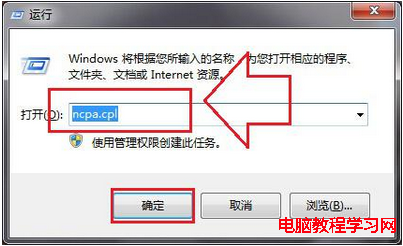
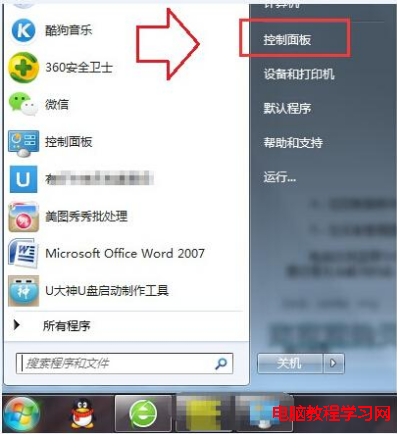
原則:同一時間僅啟用一張網卡 (有線或無線),避免驅動程式競爭系統資源導致核心錯誤。若問題持續,請更新網卡驅動至廠商最新版。
Win10 預覽版 14361 如何使用 Windows Ink 工作區?開啟方法與功能介紹
Windows 8.1 啟用睡眠/休眠模式完整教學:電源選項進階設定開啟混合睡眠與喚醒定時器
謹慎購買!Windows Store 上架 Win10 Pro Insider Preview 授權 售價 7.99 元 (約 1 美元)
Win10 任務列 Cortana 找不到「顯示搜尋框」?關閉小圖標模式即可恢復
[圖輯] Win10 Build 10041 系統體驗:透明開始選單、任務檢視、小娜、UI 圓潤化 20 張高清截圖賞析