錯誤 1079「此服務的帳戶不同於在同一程序中執行的其他服務帳戶」,發生於共用 svchost.exe 程序的服務群組中,某服務啟動帳戶被誤改(如 Local Service 改為 Local System)。
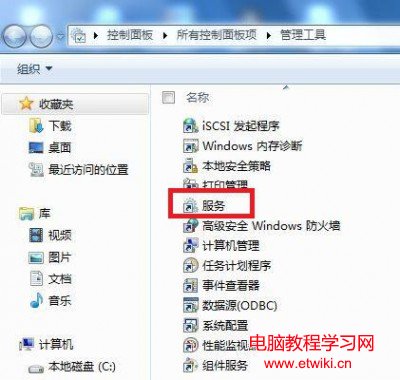
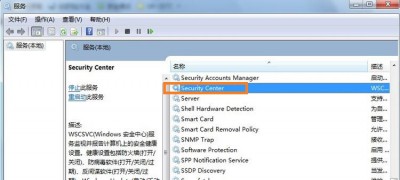
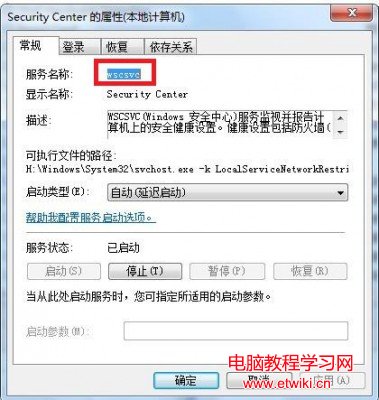
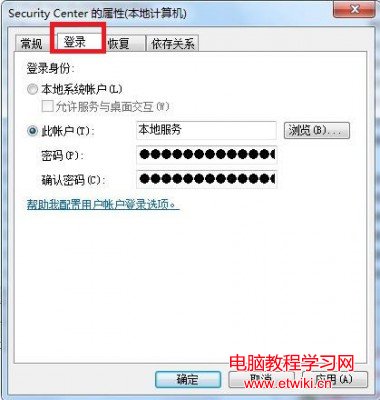
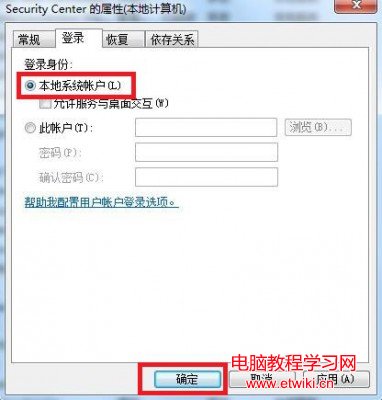
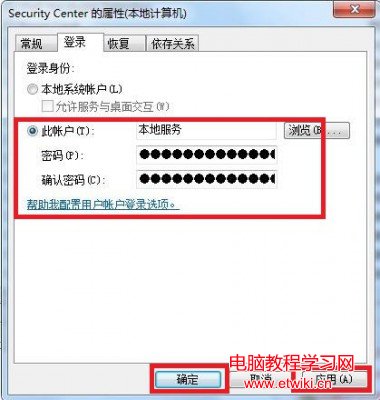
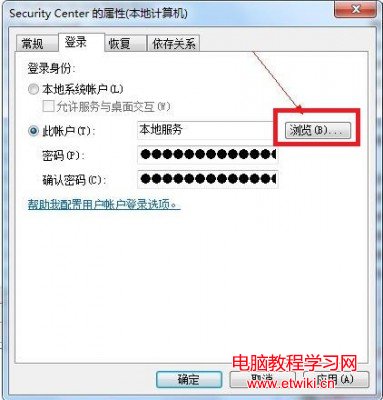
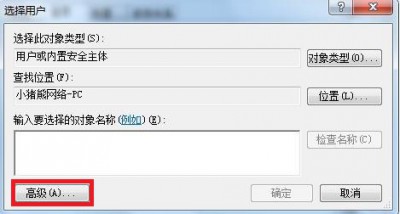
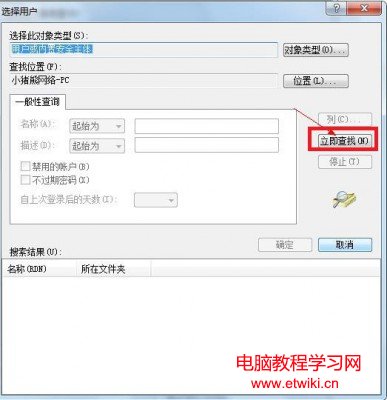
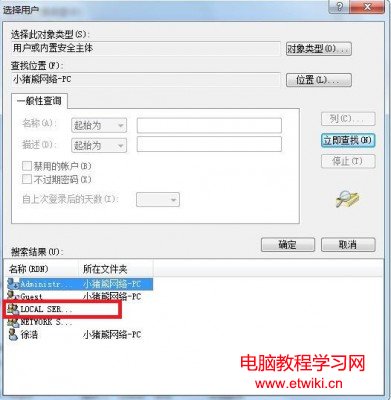
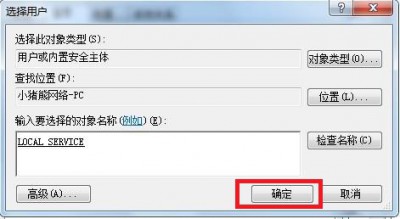
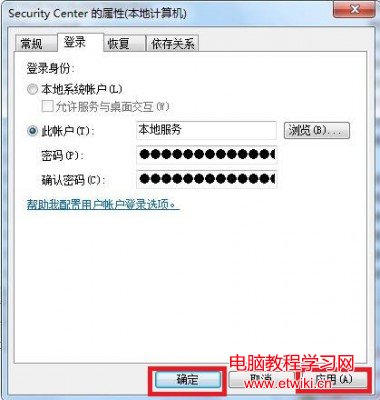
核心原則:同一 svchost 群組內所有服務必須使用相同啟動帳戶。
Win7 網上鄰居消失無法使用?指定一台電腦為主控瀏覽伺服器,其餘停用 Computer Browser 服務
Win8 無法識別 USB 裝置(滑鼠/鍵盤/隨身碟)?重啟 Plug and Play 服務 + 卸載裝置管理器未知裝置雙重修復
XP 可升級 Win10 僅需 $39.99?僅限 32 位家庭版、數位下載、無實體媒體
Win10 Mobile 周年更新 14393.105 正式版即將推送,更新包 916 MB
Win7 找不到 Software Protection 服務無法啟動?從正常系統匯入註冊表鍵值修復
Windows 10 正式版 KMS 自動激活批次檔下載與各版本金鑰、指令啟用教學
Windows 10 待機自動關閉硬碟省電設定:電源選項進階配置教學
Windows 10 新功能特性總整理:開始選單回歸、Modern 應用視窗化、虛擬桌面、命令列貼上、Charms Bar 保留、二合一模式