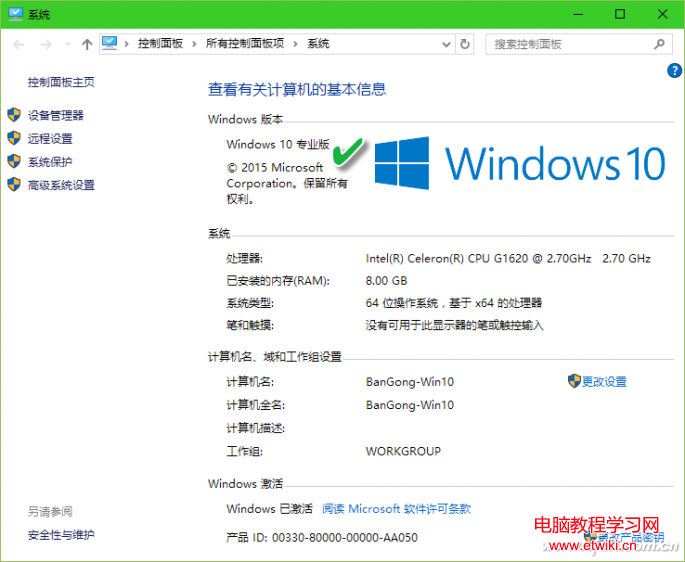
Windows 10 版本迭代頻繁,「系統屬性」僅顯示大版本。需知詳細 Build 號(如 15063.138)以確認功能支援或驅動相容,提供五種查詢法:
Win+R → winver → 彈窗顯示「版本 xxxx (組建 xxxxx.xxx)」。
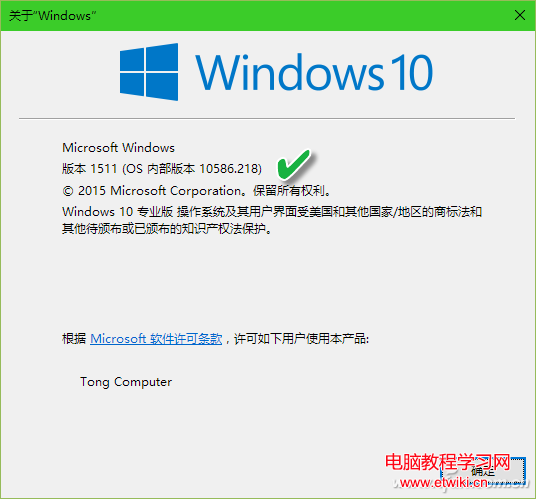
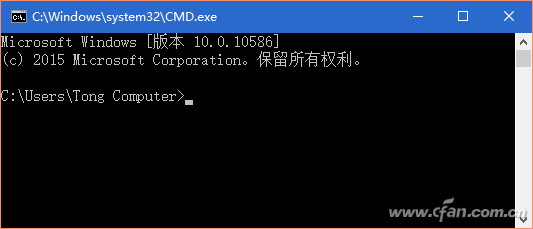
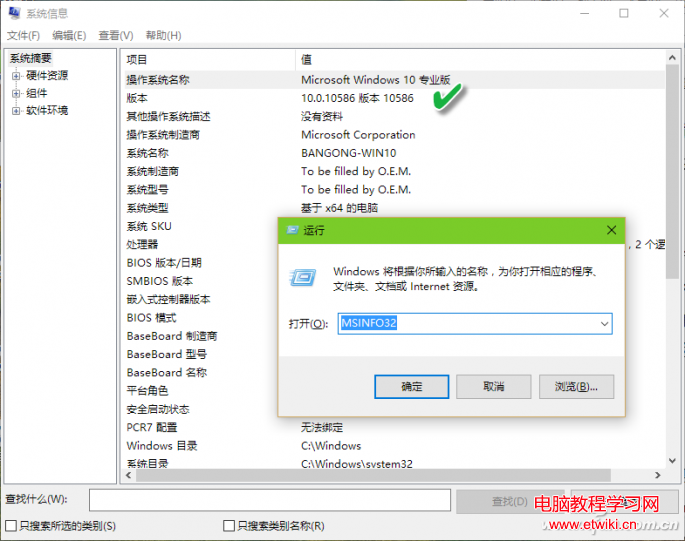
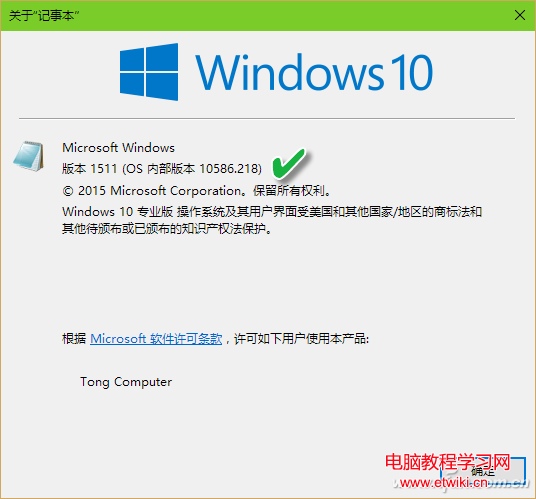
cmd 頂行顯示版本。systeminfo | findstr /c:"Build" 過濾組建號。slmgr /dlv 授權資訊含版本號。Win+R → msinfo32 → 首兩行即為版本名稱與組建號。
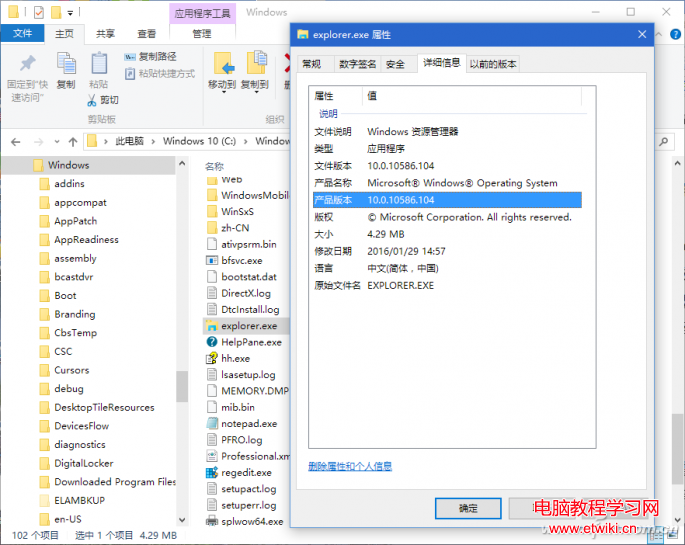
C:\Windows\explorer.exe 右鍵→「內容」→「詳細資料」→「檔案版本」/「產品版本」即為最新系統核心版本。
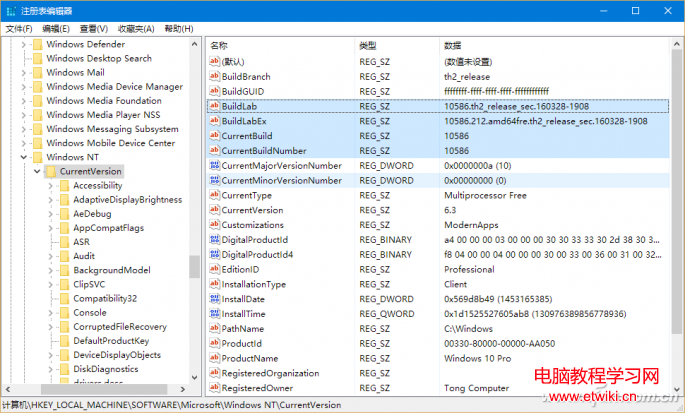
HKEY_LOCAL_MACHINE\SOFTWARE\Microsoft\Windows NT\CurrentVersion 下 CurrentBuild、CurrentBuildNumber、BuildLab、BuildLabEx 記錄各類版本號。
Windows 8 IE10 啟用快速導航(Quick Tabs)功能
Windows 10 變更 Microsoft 帳號 PIN 碼完整教學
11 月起 Win10 TH2 正式版支援 Win7/8.1 金鑰直接啟動,免走升級流程
Windows 10 預覽版安裝金鑰與到期時間:NKJFK-GPHP7-G8C3J-P6JXR-HQRJR,2015/04/15 過期
Windows 10 正式版發布前微軟大規模清理應用商店:移除山寨/低品質應用、規範價格與關鍵字
Windows 7 設定護眼綠色視窗背景:系統內建與第三方軟體雙管齊下