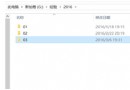
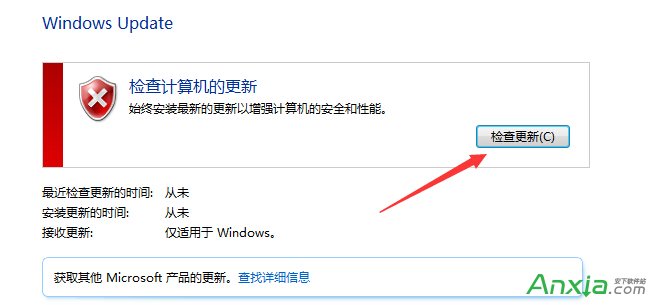
Win7/8.1 要收到 Win10 推送升級,必須滿足前置條件,否則不會產生 $Windows.~BT 資料夾。
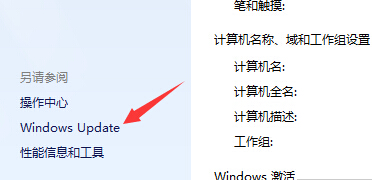
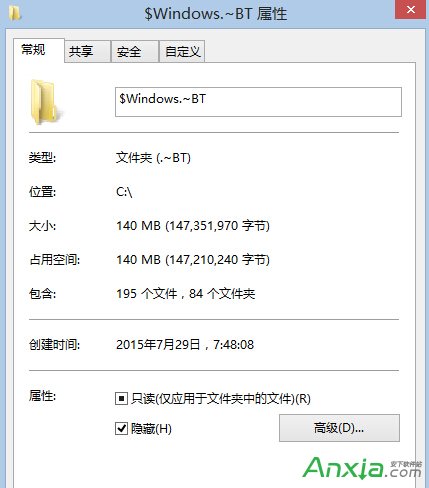
資料夾選項 → 「檢視」 → 勾選「顯示隱藏的檔案、資料夾和磁碟機」 → 取消勾選「隱藏受保護的作業系統檔案」 → 在 C 槽根目錄即可看見 $Windows.~BT。
Win7 開機「無法識別網路」黃驚嘆號?停用再啟用網卡一招搞定
【教學】Windows 10 Build 10074 開始選單隱藏背景模糊效果啟用法(登錄修改)
Windows 2000 完整版本介紹:Professional、Server、Advanced Server、Datacenter Server 差異解析
Win7 開機提示「使用者設定檔服務登入失敗,無法建立更多執行緒」?啟用 User Profile Service 或建立新帳號
Windows 8.1 開啟「系統設定」(msconfig) 三種快速方法
WinXP 如何將 USB 隨身碟格式化為 NTFS 格式?裝置管理員啟用寫入快取再格式化