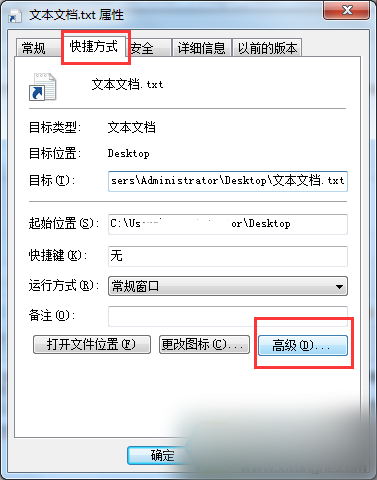
刪除惡意修改首頁的登錄值後,導致桌面 IE 圖示點擊出現「該檔案沒有關聯程式」錯誤。需修復登錄中 IE 的開啟命令關聯。
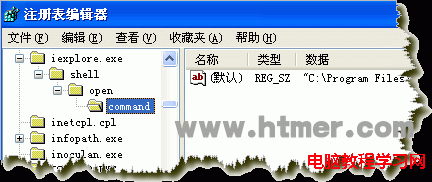
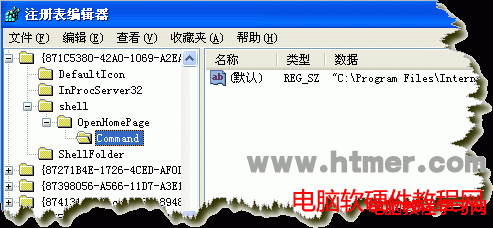
regedit),定位 HKEY_CLASSES_ROOT\Applications\iexplore.exe\shell\open\command,將預設值改為 "C:\Program Files\Internet Explorer\iexplore.exe" %1。HKEY_CLASSES_ROOT\CLSID\{871C5380-42A0-1069-A2EA-08002B30309D}\shell\OpenHomePage\Command,同樣將預設值改為 "C:\Program Files\Internet Explorer\iexplore.exe" %1。
修改完成後,IE 圖示即可正常開啟網頁。