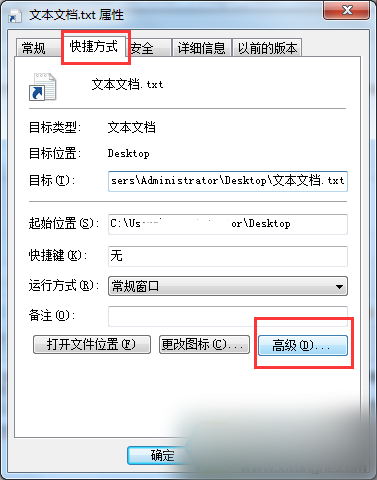
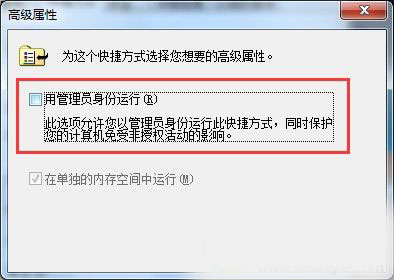
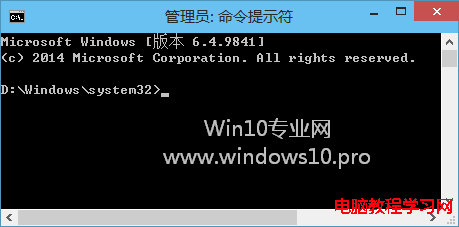
Win10 中以系統管理員身分執行記事本時,從無權限的檔案總管拖曳檔案進入會顯示亂碼。原因在於權限層級不匹配,解決方法極簡單:
此為權限隔離機制導致的預期行為,非 Bug。日常使用建議關閉記事本的管理員模式,避免拖放失效。
Win10 新版鬧鐘 App 計時器(倒數計時)完整操作指南
Win8.1 連接 WLAN 提示「不可用」故障分析與三大解決方案
Windows 10 預設壁紙「Hero」設計幕後:雷射、霧氣、LED 實拍非 PS 合成
Windows 批量新增 IP 位址兩大法:匯出/匯入設定檔與 FOR 迴圈指令
Windows 10 工作列搜尋方塊顯示/隱藏完整設定教學
Win10 10240 免金鑰安裝 RTM 後內測版:需於已啟動裝置上升級
WinXP「應用程式發生異常 未知的軟體異常」原因分析與多重解決方案
Windows 8 查看已連線無線網路密碼:圖文教學(同適用 Win7)