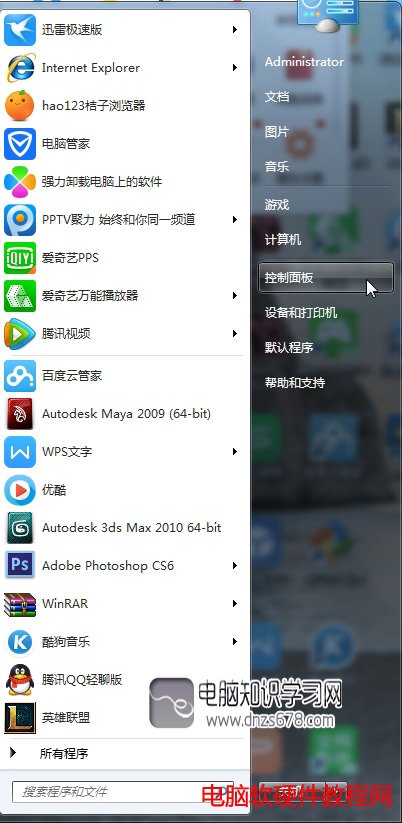
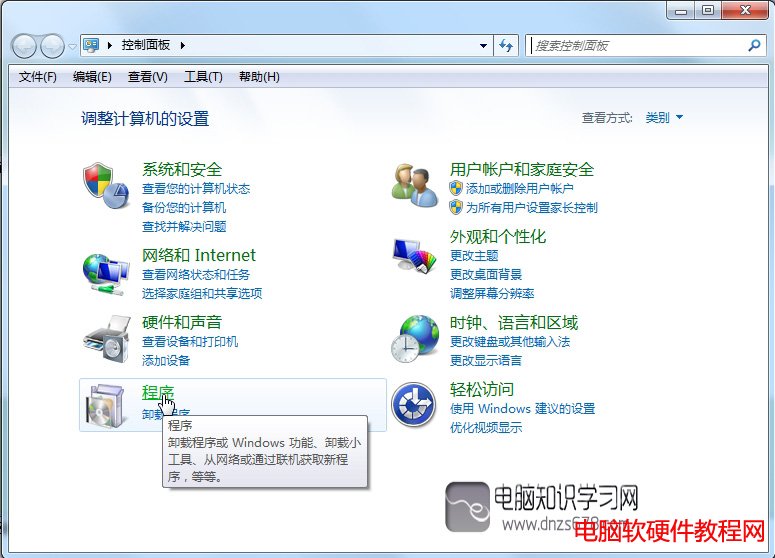
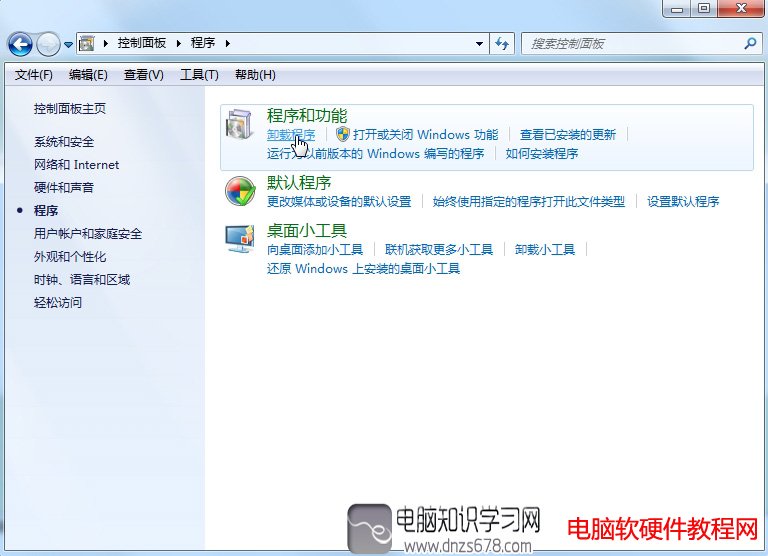
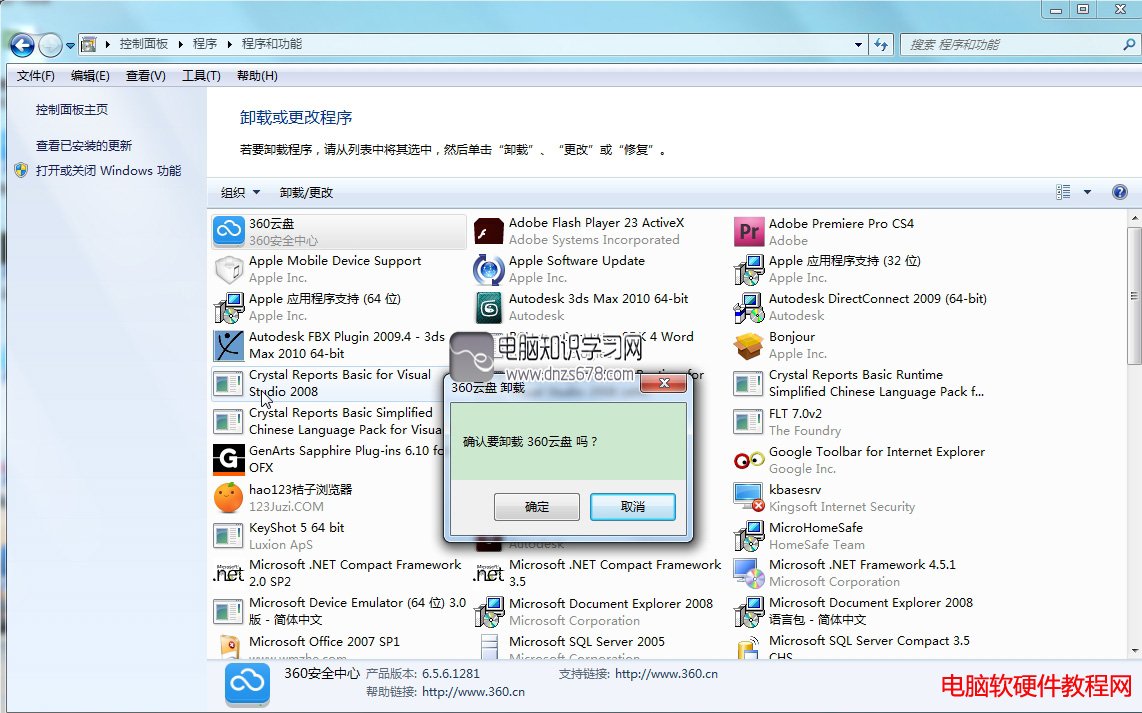
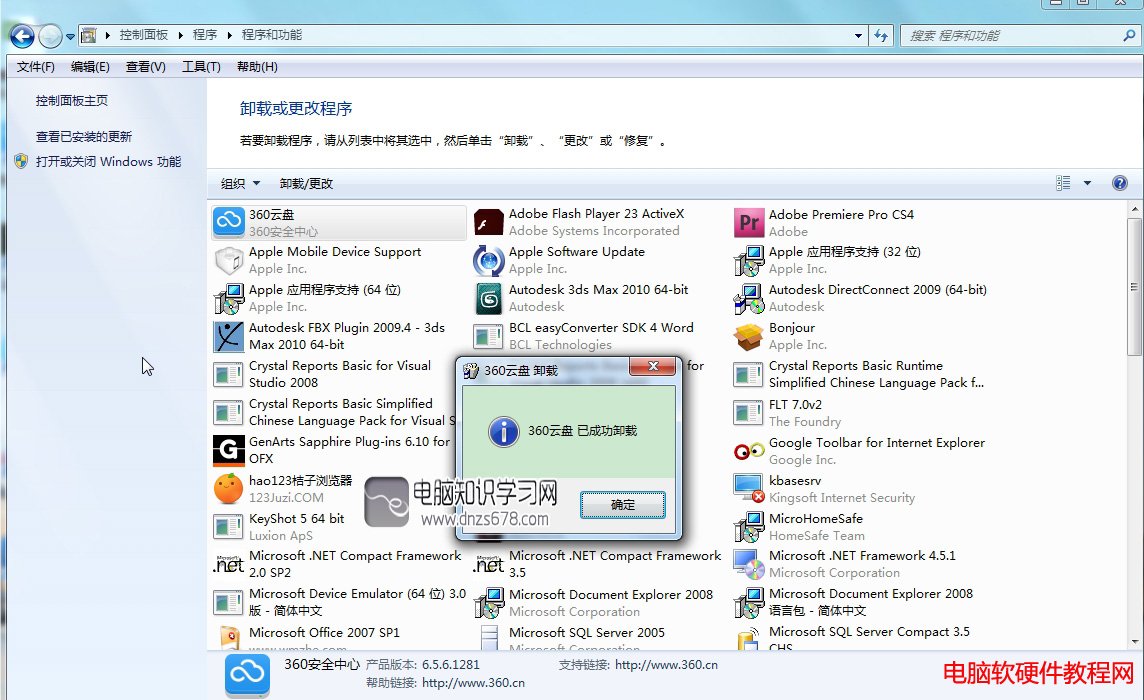
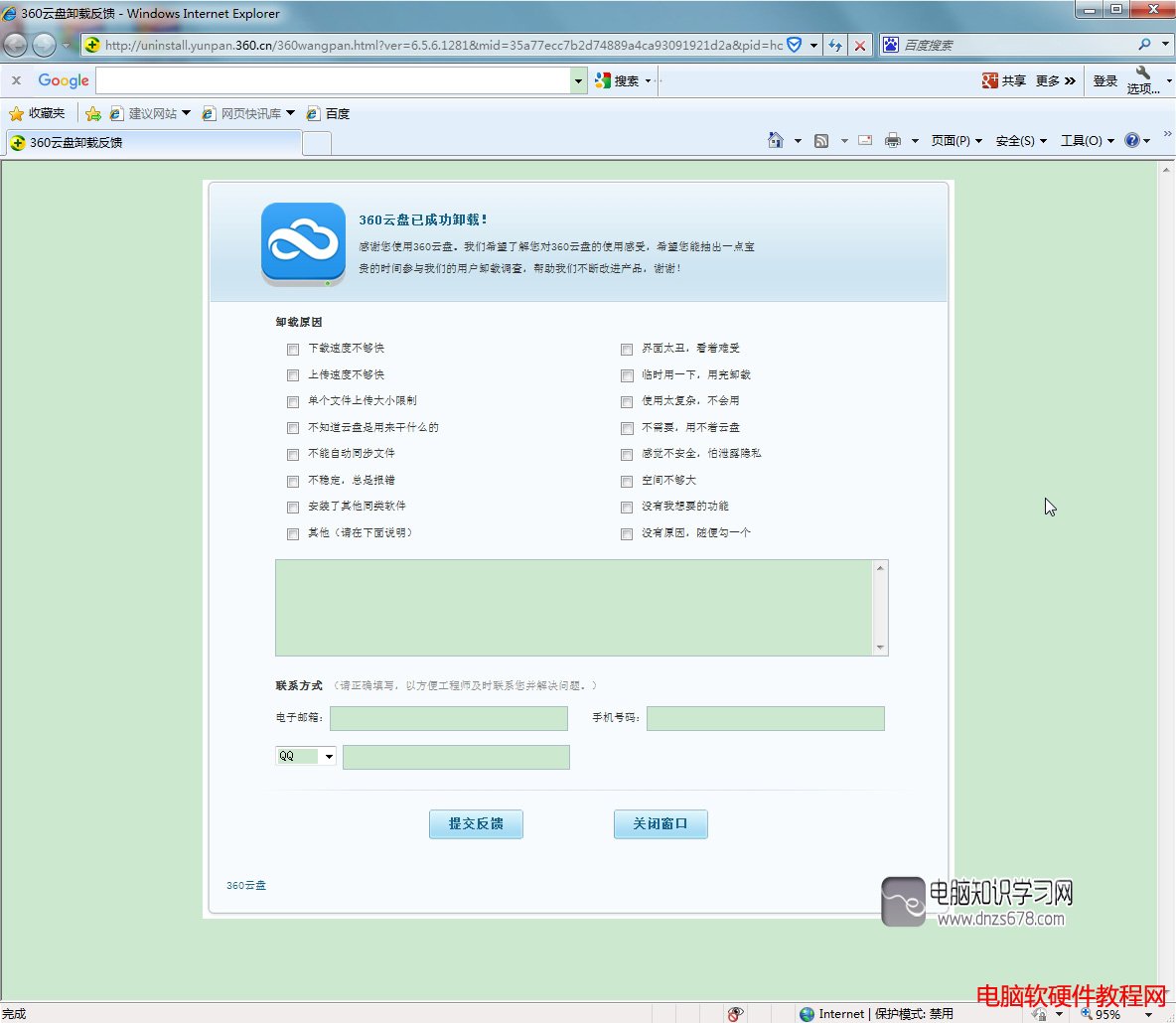
直接刪除資料夾無法徹底移除軟體。Win7 正確解除安裝流程:
此法適用於所有 Windows 版本,徹底清除註冊表與檔案殘留。
Win10 開始功能表 Metro 圖示點擊無反應?任務管理員重新啟動「Windows 檔案總管」秒修復
Win10 如何進入安全模式?兩大法:系統配置(msconfig)與 WinRE 恢復環境圖文詳解
Win10 IE 瀏覽器網頁無聲音?網際網路選項→進階→勾選「在網頁中播放聲音」即可恢復
Win7 如何手動官方升級 Win10?微軟官方工具離線升級教學
Win8.1 升級 Win10 後只有 Edge 能上網?一條指令修復網路堆疊
Win10 內建 Hyper-V 虛擬機啟用教學:控制台開啟 Windows 功能
Windows 8 找回刪除檔案確認對話框:啟用回收站顯示刪除確認
Win10 Build 10056 內建成就系統:加入 Windows Insider 計畫即解鎖首個成就勳章