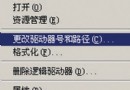
Windows Server 2003 為伺服器 OS,需防止非授權人員隨意啟動應用程式。透過群組原則「只執行允許的 Windows 應用程式」可精確控制可執行程式清單。
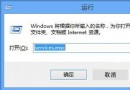
gpedit.msc 開啟群組原則編輯器。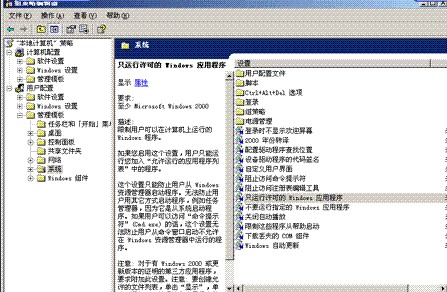
notepad.exe, calc.exe)。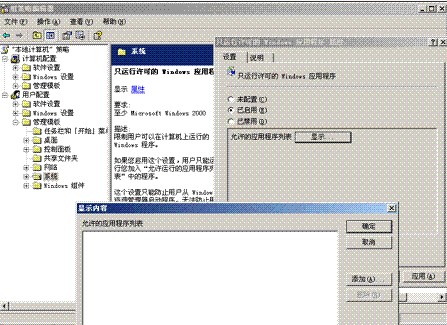
四步驟完成應用程式白名單管制,有效防止非授權軟體執行,強化伺服器安全基線。
Windows Server 2003 本地安全性原則進階應用:針對非管理員套用原則的技巧
Windows Server 2003 網路負載平衡 (NLB) 叢集建置實戰筆記
Windows Server 2003 伺服器定時自動重啟的兩大實用技巧
Windows Server 2003 群組原則軟體部署實作:以 Adminpak.msi 為例
Windows Server 2003 單網卡架設 VPN 伺服器完整圖文教學
Windows Server 2003 LimitLogin 登入管理工具部署指南:Web Service、AD 擴充、MMC 整合