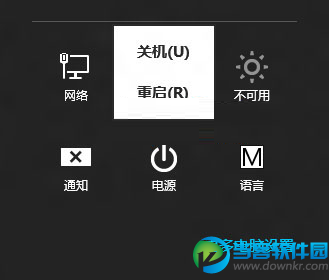
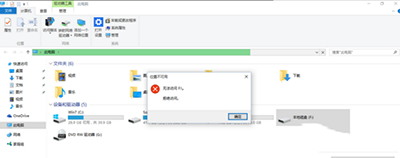
Windows 8.1 內建 Slidetoshutdown.exe,支援按住電源鍵 4 秒或執行程式後滑動關機。預設未啟用,可透過以下兩種方式快速叫用。
Slidetoshutdown.exe
slidetoshutdown.exe
C:\Windows\System32
此功能需裝置支援「連線待機」模式,若 powercfg /availablesleepstates 回報不支援,則無法使用。
powercfg /availablesleepstates
Win10 應用商店閃退/打不開?PowerShell 重註冊 + wsreset 清除快取雙重修復
Windows 8 無線網路連線介面大改版:任務列右鍵即可管理,簡化操作流程
Win10 執行舊程式提示不兼容?啟用「相容模式」一鍵解決
解決 Windows 8.1 升級後宋體英文數字鋸齒問題:替換字體檔並修改登錄映射
Win8.1 筆電如何在桌面顯示「這台電腦」「網路」等常用圖示?
人人網關閉開心農場結束四年半偷菜熱潮,開心網農場仍擁 80 萬日活用戶
Windows 8 內部版本推進至 Build 8063,仍屬 M3 階段,BUILD 大會將首度公開亮相
Windows 8.1 搜尋升級:整合網路數據,Bing 功力大增