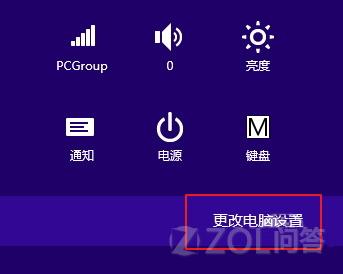
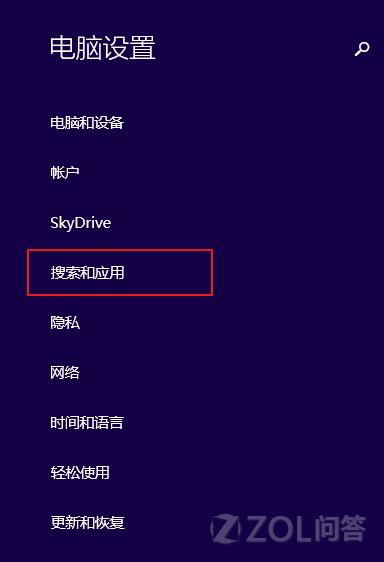
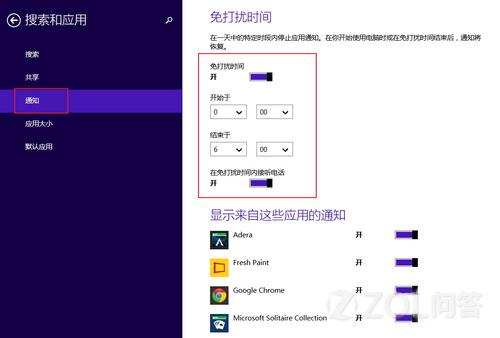
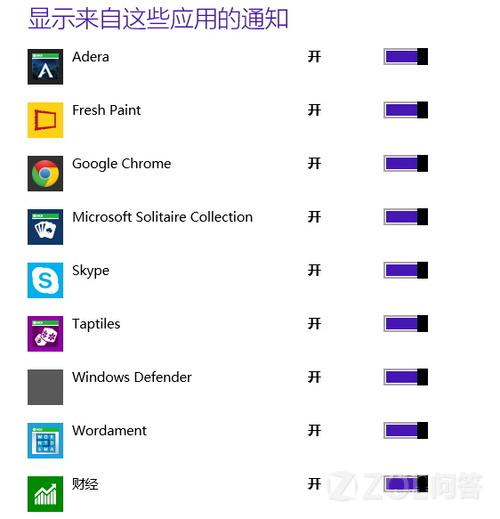
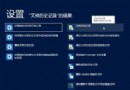
Win8.1 新增「安靜時段」功能,指定時段內封鎖所有 App 通知,並可設定例外應用仍可發送通知。
專注工作/睡眠時免受干擾,重要訊息不遺漏。
Windows 8 平板電腦開始畫面找回電源按鈕:登錄新增 Launcher_ShowPowerButtonOnStartScreen=1
Opera 12.10 正式版釋出:核心升級、支援 WebM/Retina、全面相容 Windows 8
Win8 關機快捷鍵 Alt+F4 最快,附自製開始畫面關機磁貼圖文教學
Windows 8 系統備份與還原完整圖文教學
Microsoft Edge 播放網頁影片綠畫面?三步驟修復硬體加速衝突
鮑爾默:Windows 8 標誌微軟作業系統浴火重生,預估明年用戶達 5 億,雲端生態系統將主導市場
Win10 忘記開機密碼 利用 修復模式 替換 sethc.exe 重置密碼完整教學
Win 8 關不掉後台應用導致電腦卡?兩招徹底關閉 Modern 應用