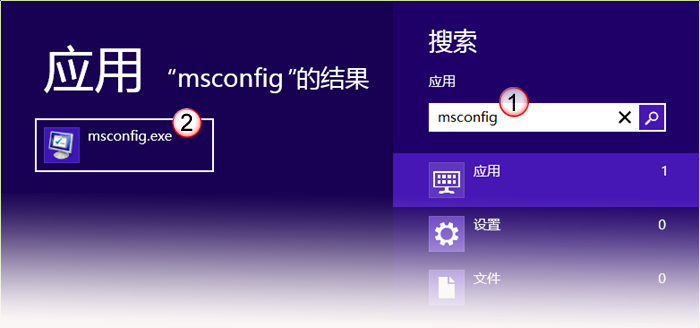
Win 8.1 預設桌面僅留「回收站」,「這台電腦」(原我的電腦)、網路等圖示需手動開啟:
完成後桌面即顯示「這台電腦」、「網路」等圖示。若嫌「這台電腦」名稱不習慣,可右鍵重新命名為「我的電腦」或「電腦」。
專利顯示 Flip 3D 特效或將回歸 Windows 8:視覺化視窗切換新介面
Windows 8 錯誤代碼 0x80070005「拒絕存取」解決方案:以系統管理員身分執行 CMD
快速定位 Windows 8 收藏夾資料夾位置,輕鬆備份與遷移
找回 Windows 8.1 傳統開始選單:Classic Shell 4.0 釋出支援
Windows 8.1 將支援應用程式自動靜默更新:透過 Windows Update 一併推送
Windows 10 右鍵選單反應慢?清理 ContextMenuHandlers 加速開啟