Win10 將 Windows Update 從控制台移至新版「設定」應用,路徑為 設定 → 更新與安全性 → Windows Update,介面更現代化、整合復原選項。
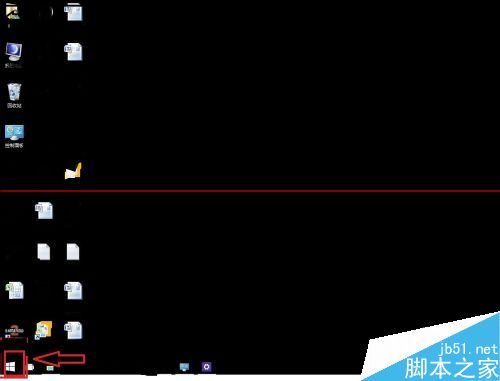
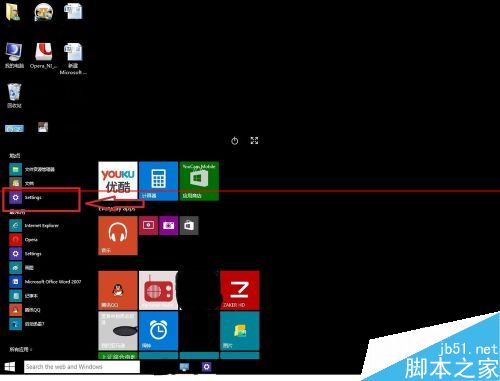
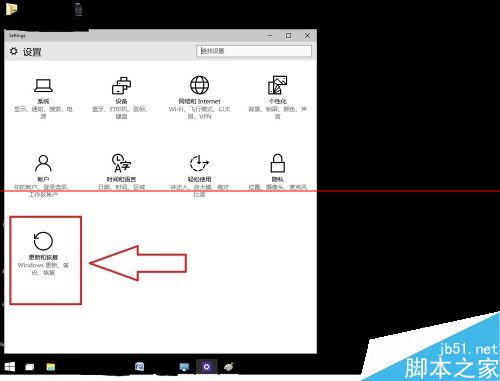
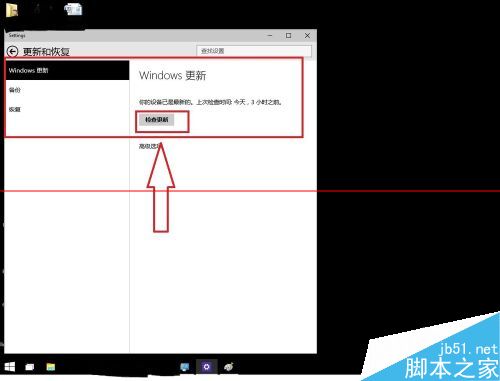
設定應用同時整合備份、復原、啟動、開發者等常用選項,取代傳統控制台成為核心管理中樞。
Win8 開始畫面 (Metro) 應用程式執行異常四大排查:更新顯卡驅動、調整解析度、UAC 安全性層級、切換 Live/本機帳號
圖解:Win 7 + Win 8 雙系統刪除 Win 8 完整步驟(保留 Win 7)
Windows 8.1 新增 Win+X 選單關機按鈕:一鍵呼叫睡眠/關機/重啟
Win8 應用商店奇葩應用大盤點:有蠢遊戲、喵星人、甚至蛋計時器
刪除 Windows 8 中神秘未知帳戶 (S-1-5-21...) 的有效方法
Windows 10 升級避坑指南:20 大常見問題與解決方案一次看