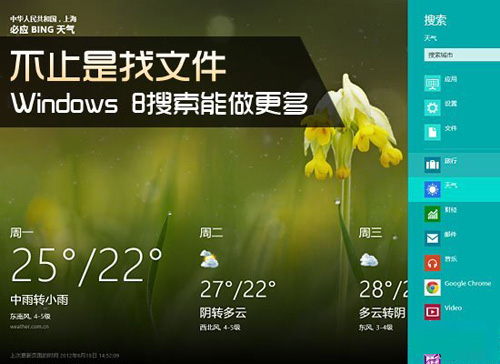
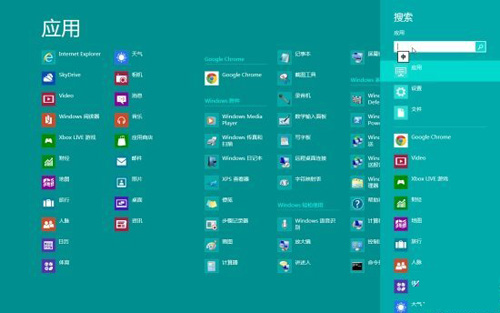
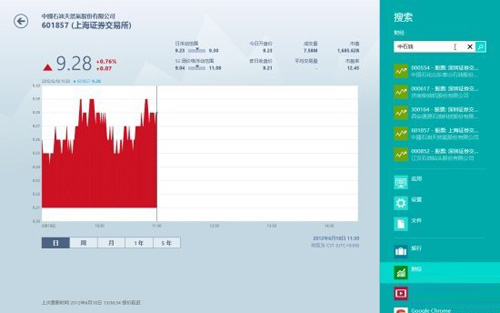
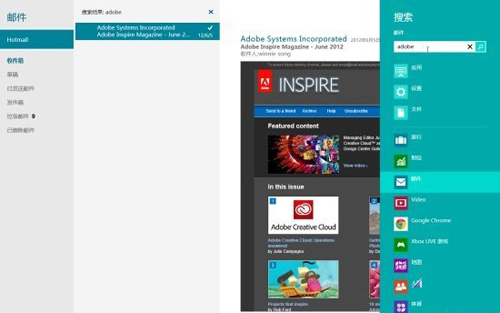
Windows 8 重新設計搜尋體驗:Win+Q 搜尋應用程式、Win+W 搜尋設定、Win+F 搜尋檔案,並整合 Metro App 內容搜尋(股票、郵件、天氣、旅遊、新聞等),實現「搜尋即服務」。
系統內建 App 皆支援搜尋整合(行事曆、相機、SkyDrive 除外)。未來第三方 Metro App 若實作搜尋協定,亦可納入此框架,實現跨 App 統一搜尋體驗。
Windows 8.1 桌面建立 IE11 瀏覽器捷徑教學
Win 8 藍畫面代碼 0x00000050 完整排查指南:從安全模式到 WinDbg 分析
Win8 遊戲無法全屏/居中小窗口解決方案:分辨率與縮放適配
Windows 8 如何恢復 Windows 7 經典開機音效
Win8 掃描偵測硬體變更完整教學:裝置管理員與電腦管理雙重管道
Win8.1 內建「健康與健身」應用功能全解析:飲食追蹤、運動教學、狀檢查一站式
Win8.1 乙太網路「沒有有效的 IP 組態」?手動設定靜態 IP 與 DNS 修復
Win 8 Metro 介面快速切換後台應用:觸控滑動與滑鼠懸停兩大絕招