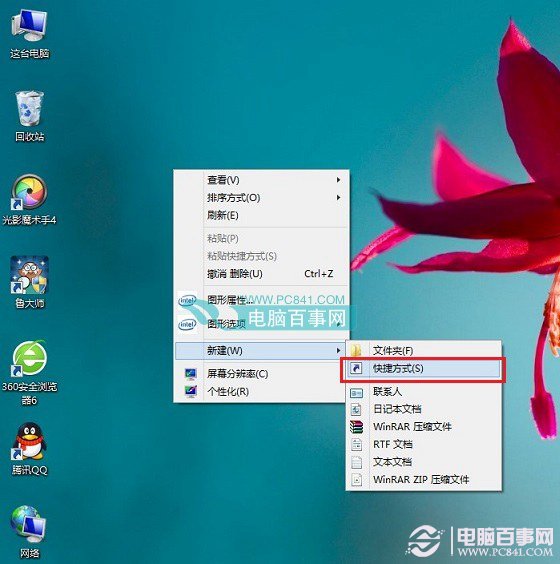
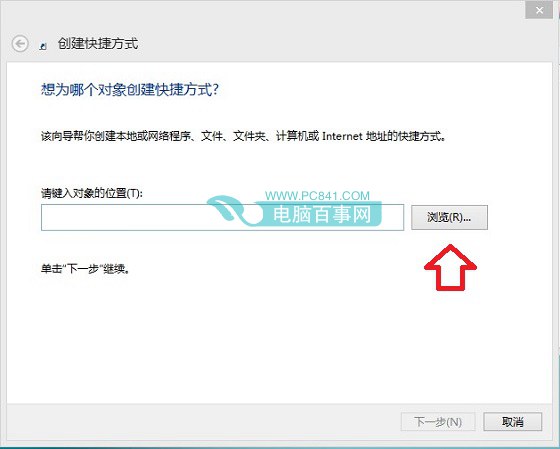
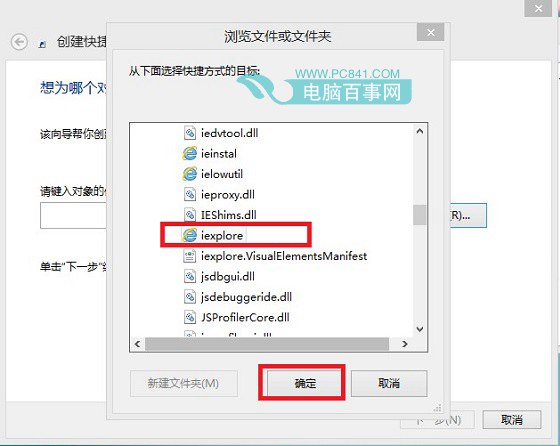
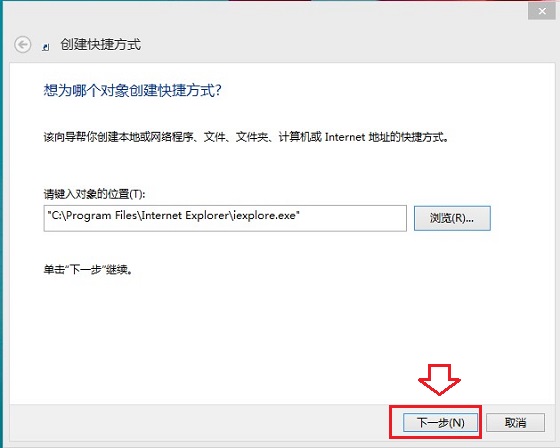
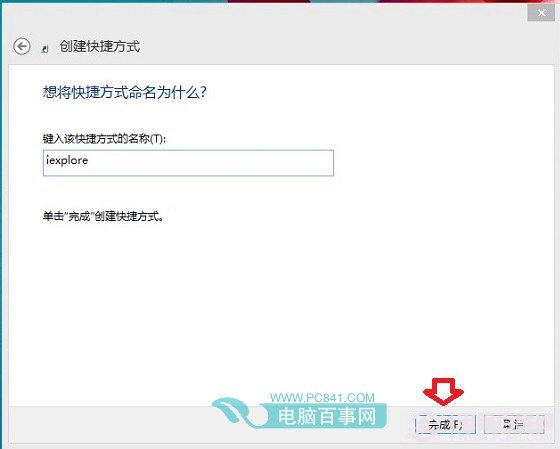
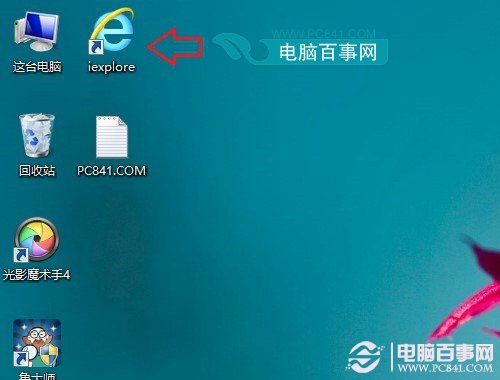
iexplore.exe
Win8 圖片密碼設定教學:電腦設定 7 步驟建立自選圖片+三手勢登入,支援觸控與滑鼠
Win8.1 玩紅色警戒 2 黑屏?相容模式 + 管理員權限解決
Win8 右鍵選單新增關機、重新開機、登出等電源選單:登錄檔一鍵部署
Windows 8 系統電源方案設定與修改完整圖文教學
Win8 「音樂」應用變更專輯排列方式:依專輯、藝術家、類型、年份快速分類
Win8 顯示控制台所有項目:網址列下拉選單選擇「所有控制台項目」
Windows 8 更新失敗錯誤碼 80080008 解決方案:DISM 修復元件存放區
Windows 8 以系統管理員身分開啟命令提示字元:三種快速方法