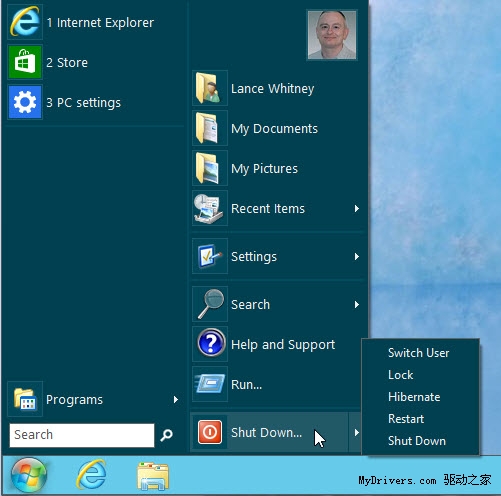
Windows 8 移除傳統「開始」按鈕與選單,改為全螢幕的「開始畫面」,讓許多習慣 Windows 7 操作邏輯的用戶感到不適應。第三方開發者推出多款工具找回開始選單,以下整理 CNET 推薦的 8 款熱門工具供參考。
功能最強大、自訂性最高的選擇。支援 Windows 7/8,可自訂開始按鈕外觀、選單樣式與功能。最新版甚至支援跳過開始畫面直接進入桌面。
官網:classicshell.sourceforge.net
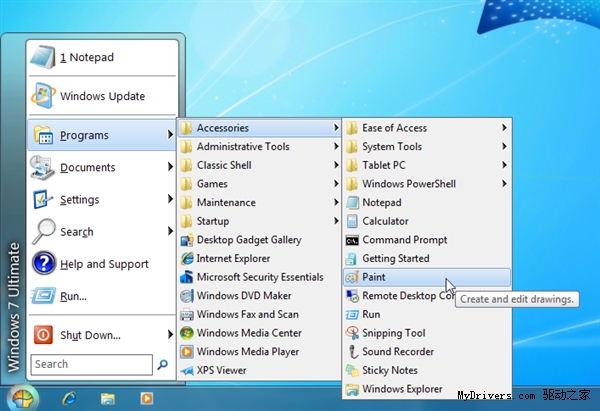
由 SweetLabs 開發,介面簡潔現代。提供傳統開始選單功能,並整合「Windows 8 Apps」資料夾列出所有 Windows Store 應用程式連結,與系統整合度極高。
官網:pokki.com
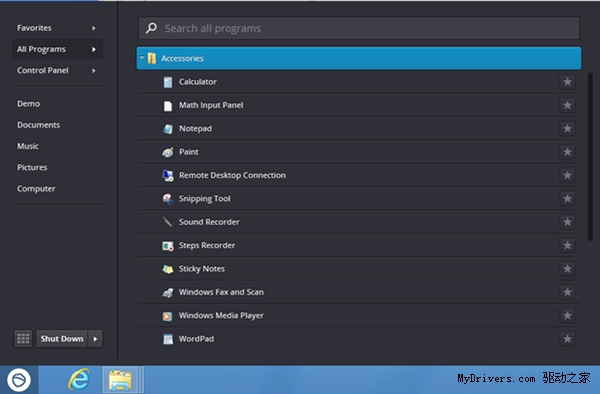
烏克蘭開發者作品,主打簡單高效,提供基本開始選單功能,介面清爽無多餘功能。
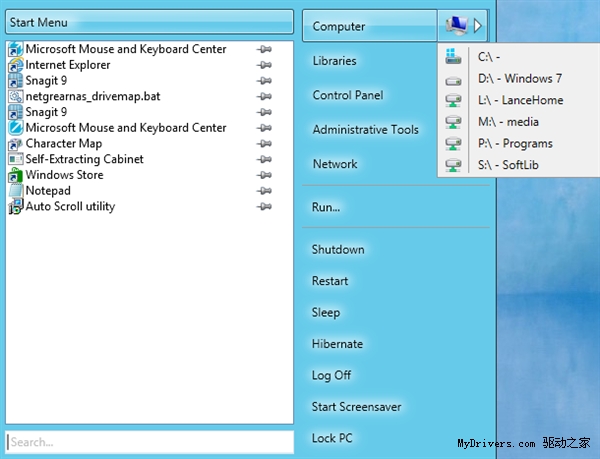
Stardock 出品,品質有保證。支援自訂開始按鈕圖示、快速搜尋已安裝應用、右鍵選單新增「執行」、「關機」等選項。遺憾的是不再免費。
官網:stardock.com/products/start8
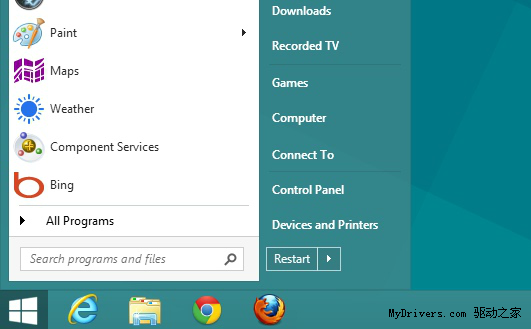
復刻傳統開始選單外觀,提供關機選項。功能精簡,適合只需要基本開始選單的用戶。
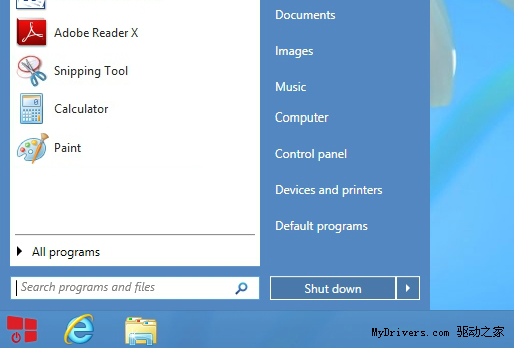
支援高度自訂開始選單外觀與功能,並能跳過開始畫面直接進桌面。
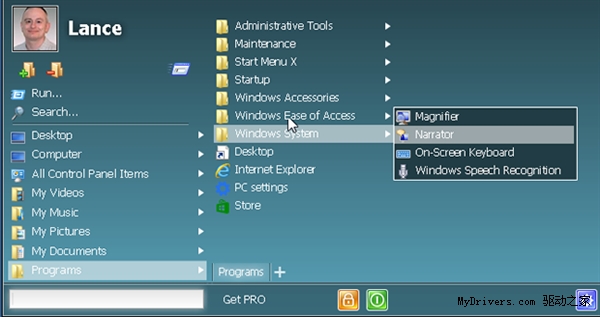
開始選單客製化工具,安裝後開始按鈕回到工作列,按 Win 鍵喚出選單,體驗接近 Windows 7。
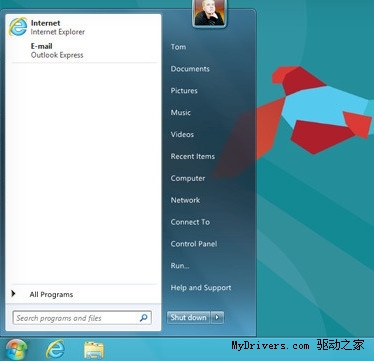
基於 Classic Shell 重新編譯的開源版本,功能大同小異,介面相似。
Windows 伺服器安全維護八大關鍵要點:程式碼檢查、滲透測試、日誌分析、修補管理、服務精簡、資訊隱藏、權限最小化、資料庫強化
Windows 8 輕鬆打造熟悉的傳統桌面環境:系統圖示、任務列、主題桌布全方位設定
Windows 8 如何防止 USB 隨身碟傳播病毒?登錄拒絕 MountPoints2 完全控制權限
Windows 8 Metro 版 IE10 與郵件應用設定教學
Win8.1 升級後黑屏/藍屏:Intel+AMD 雙顯卡驅動衝突解決法
Win8 安裝使用 Bitcoin Miner 客戶端 應用商店免費下載挖礦